


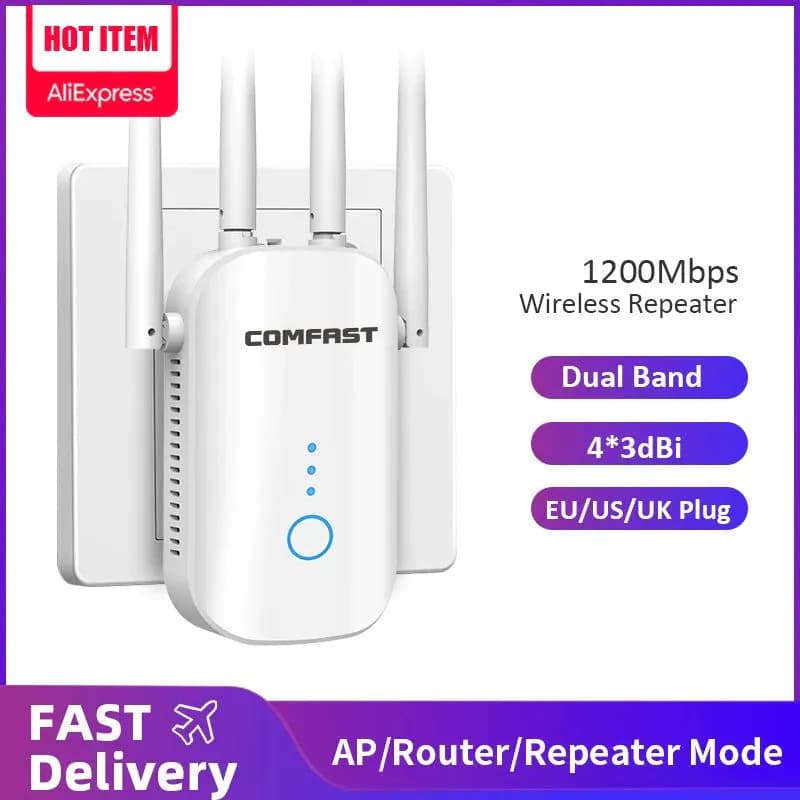
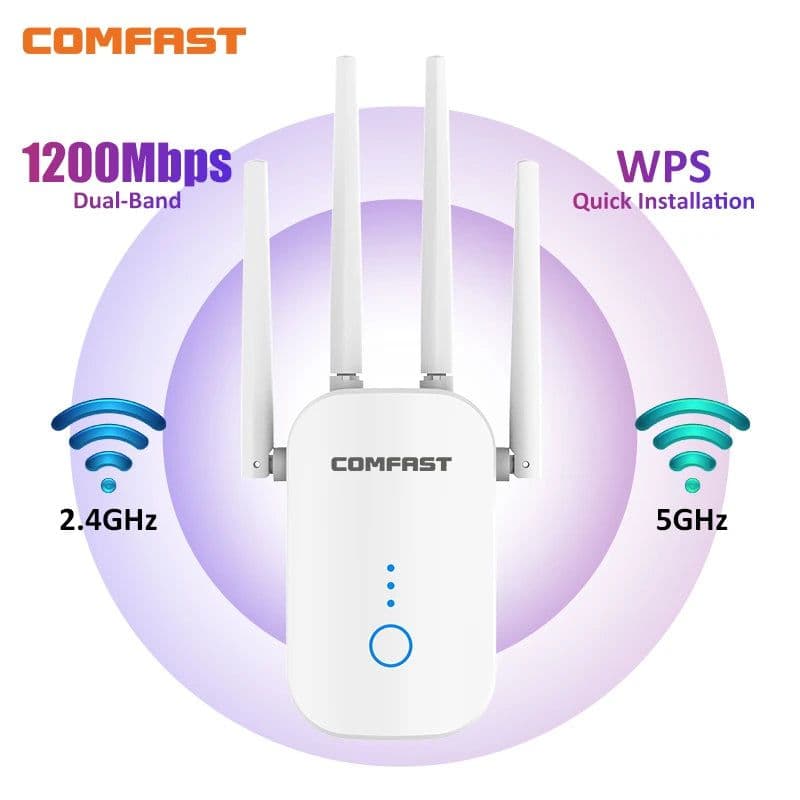
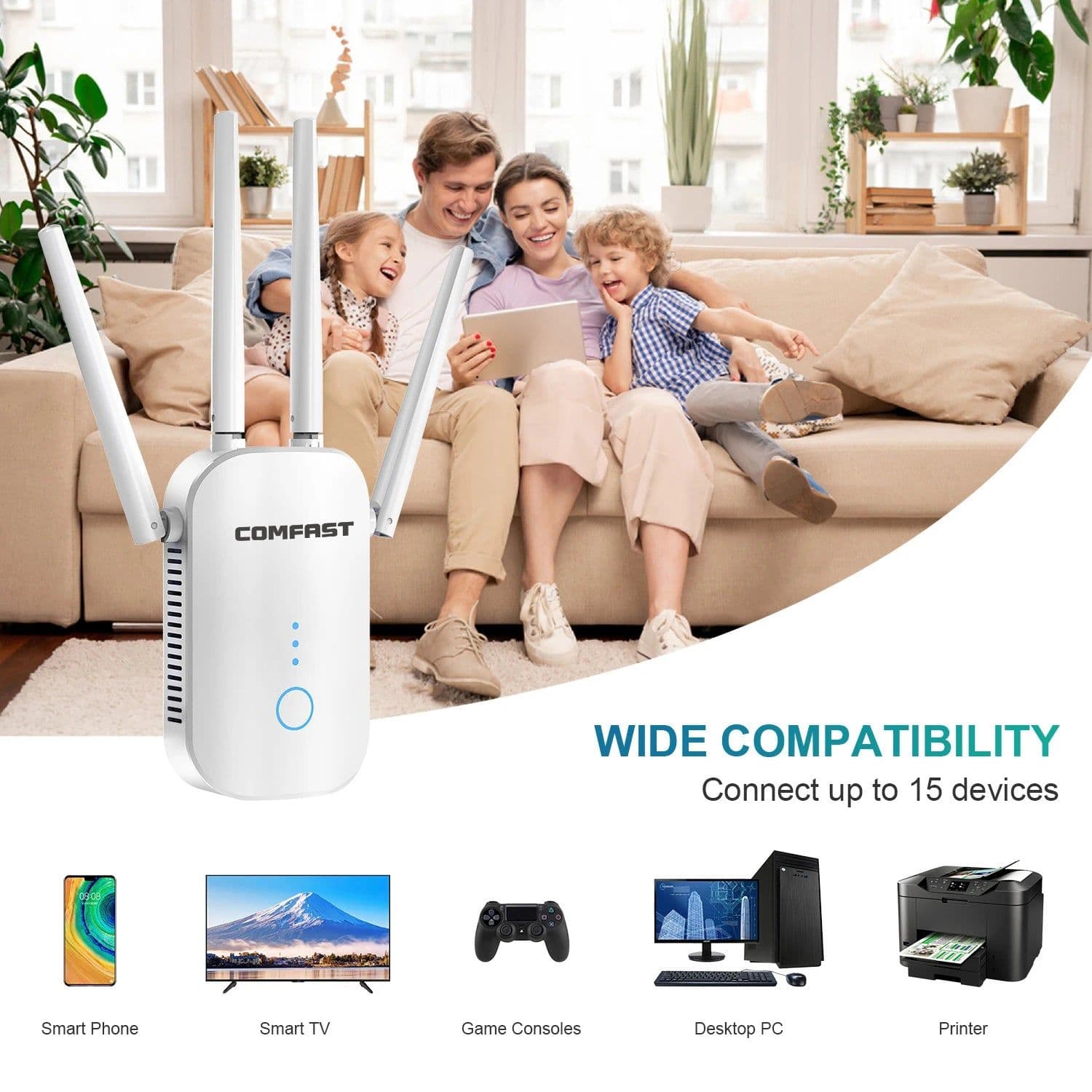
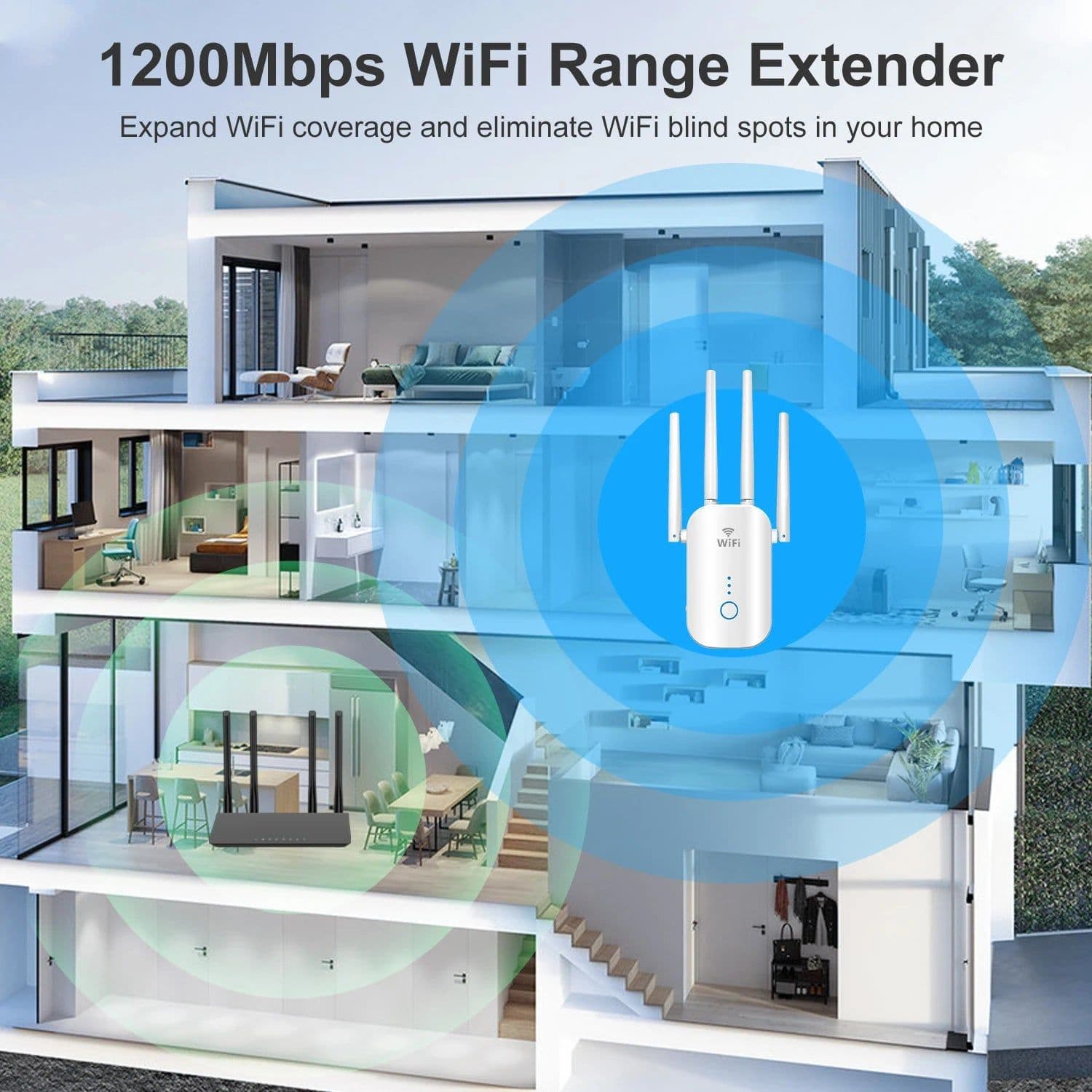
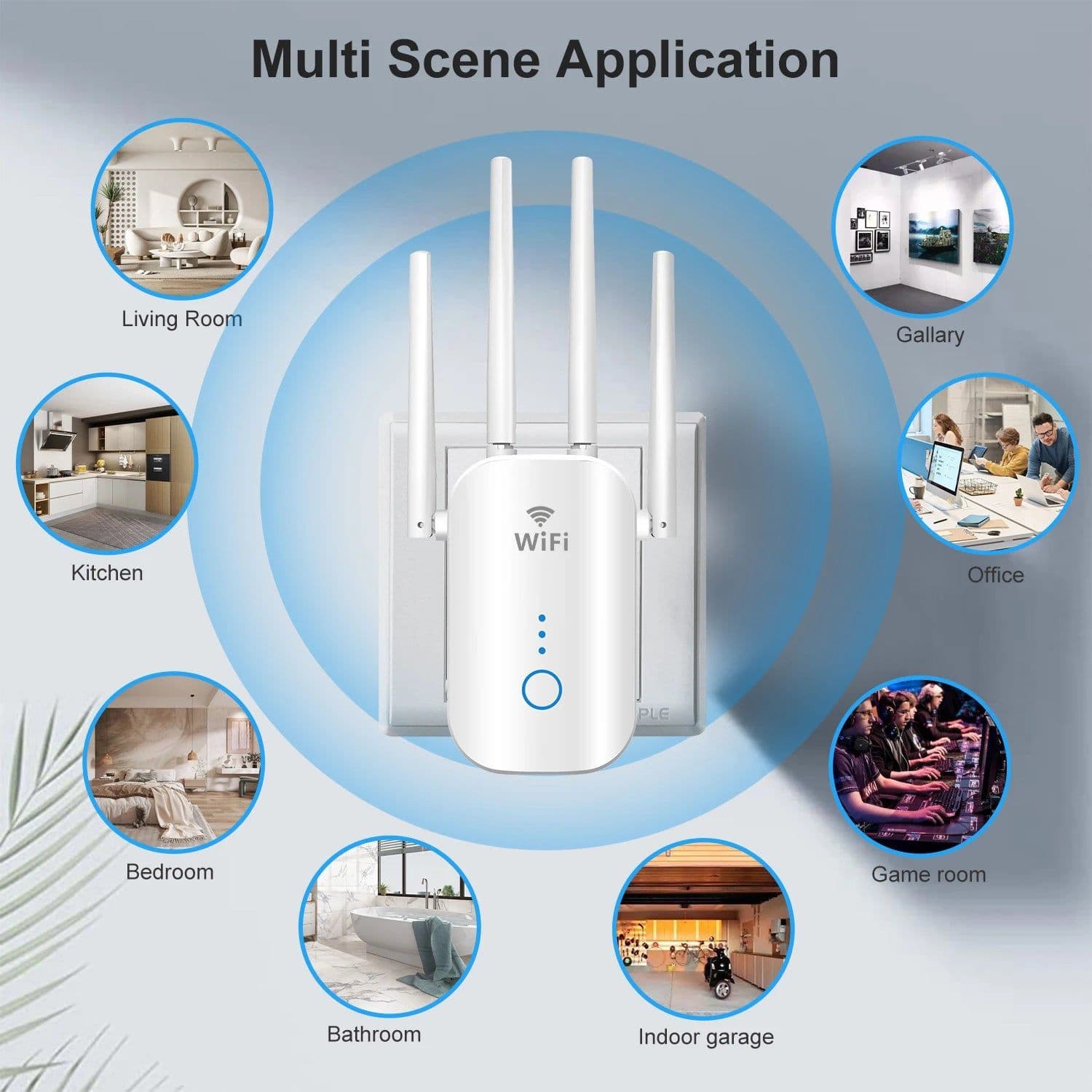
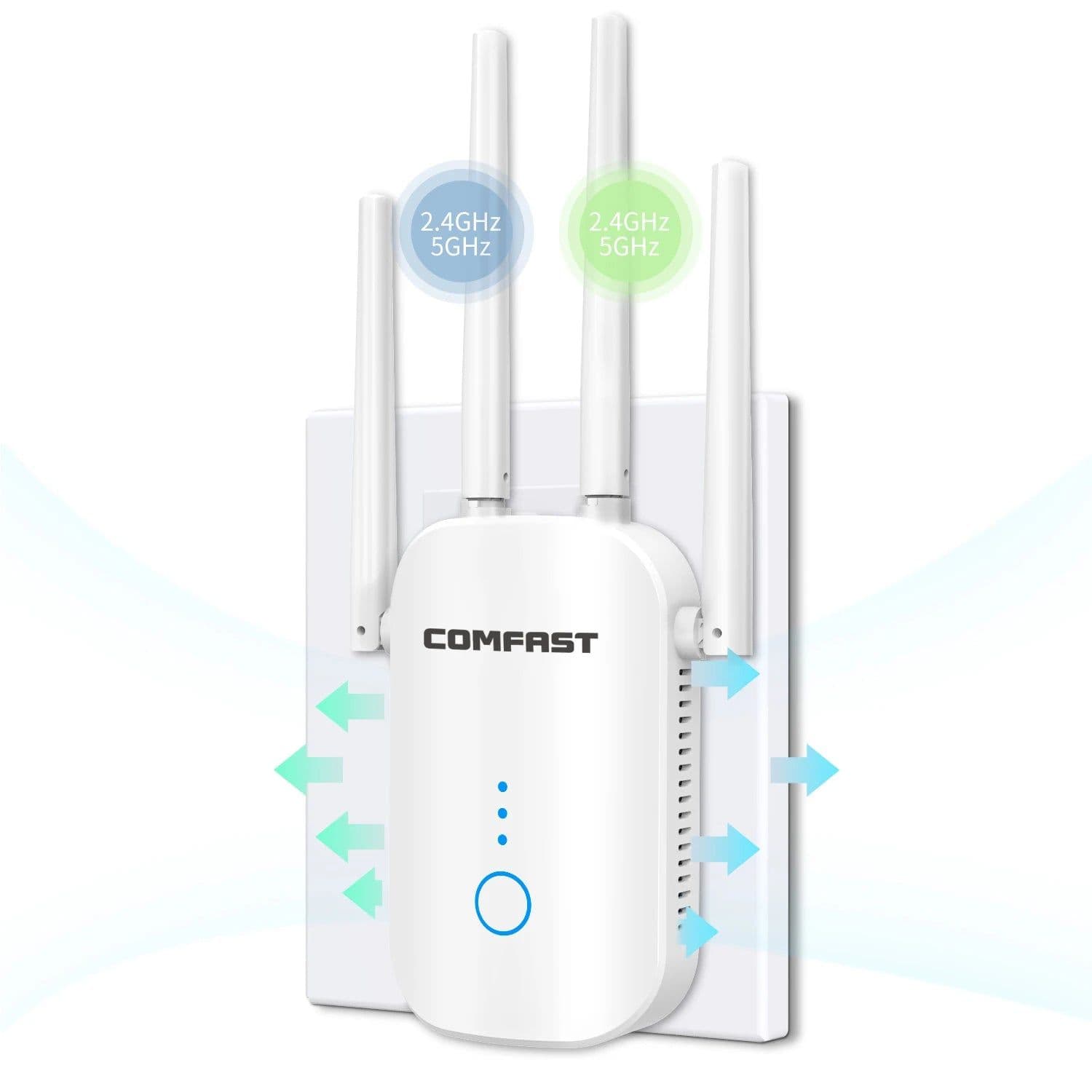
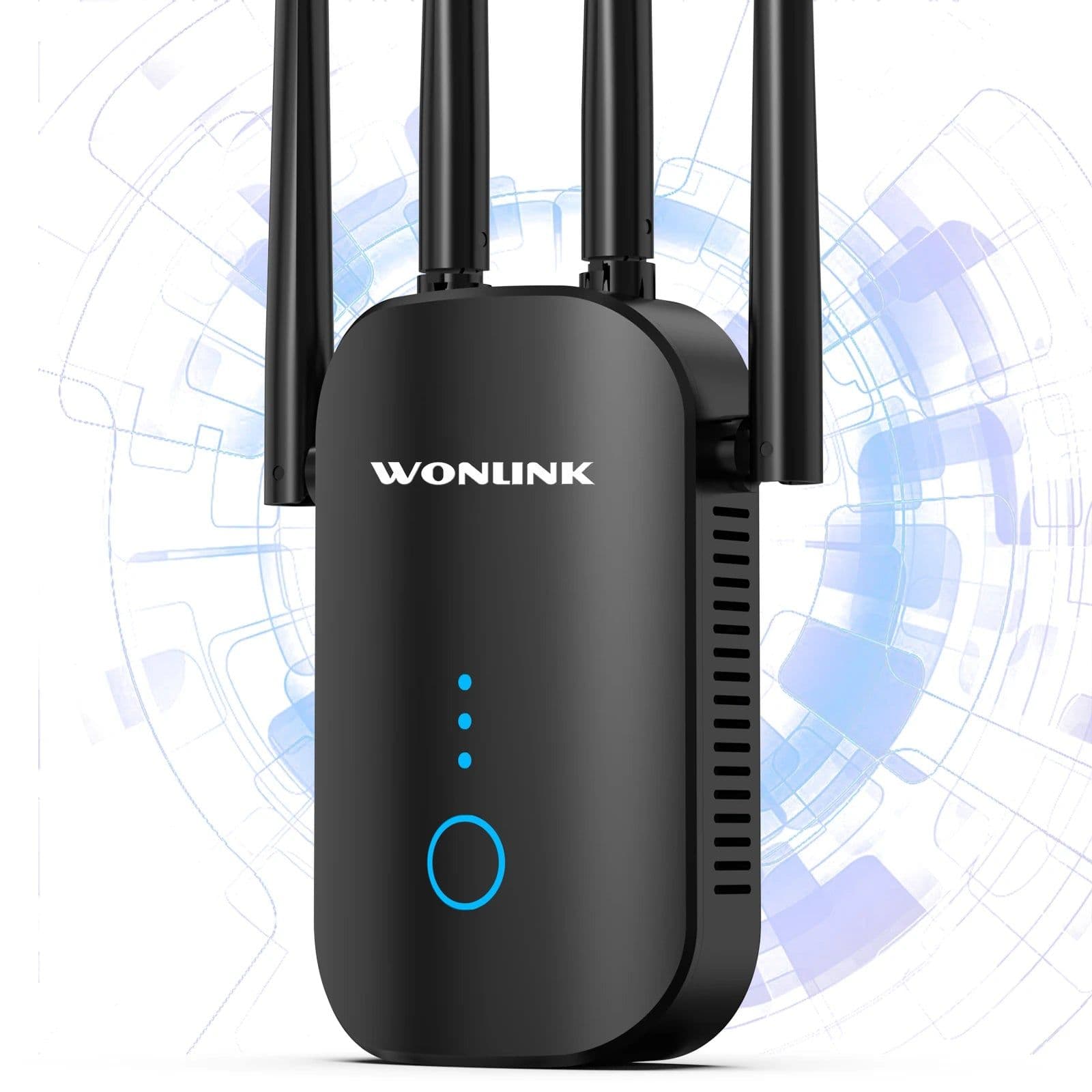
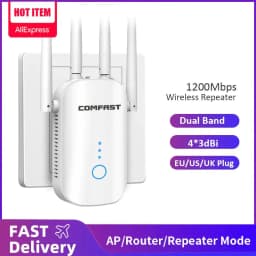
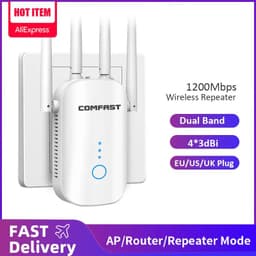
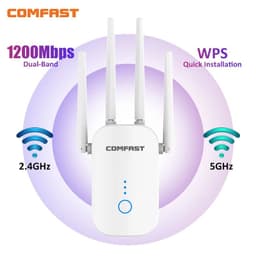
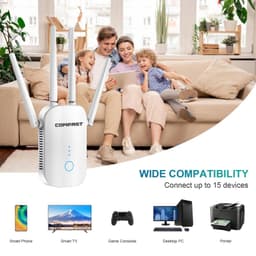
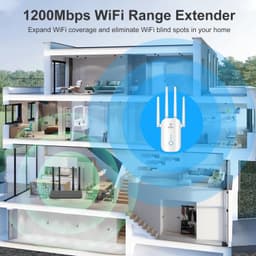
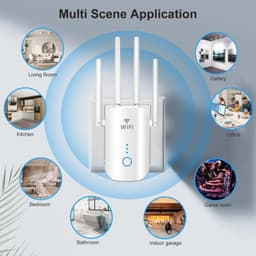
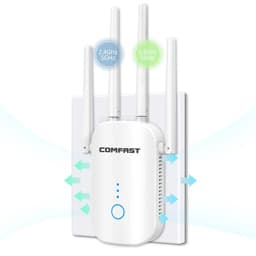
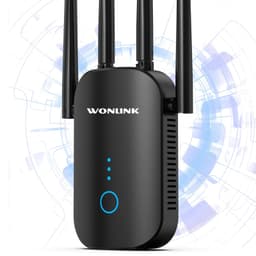
SPECIFICATIONSBrand Name: comfastWith Modem Function: NoOrigin: Mainland ChinaType: WireLessWAN Ports: 1 x10/100MbpsWi-Fi Supported Frequency: 2.4G & 5G5G Wi-Fi Transmission Rate: 867Mbps2.4G Wi-Fi Transmission Rate: 300 MbpsFunction: FirewallCertification: CENumber of USB Interfaces: NoneMax. LAN Data Rate: 867MbpsStandards And Protocols: Wi-Fi 802.11bStandards And Protocols: Wi-Fi 802.11nStandards And Protocols: Wi-Fi 802.11acStandards And Protocols: Wi-Fi 802.11gWi-Fi Transmission Standard: 802.11acWired Transfer Rate: 10/100MbpsPackage: YesSupports WDS: NoLAN Ports: 1Supports WPS: YesApplication: homeWorking Frequency: 2.412~2.472GHz; 5.180~5.825GHzTransmission Rate: 2.4G:300Mbps; 5.8G: 867MbpsAntenna: 4*3dBi Dual Band Omnidirectional AntennasWorking Mode: Router/Repeater/AP/ Bridge ModeWireless Standard Protocols: IEEE 802.11ac/ a/ b/ g/ nChannel Bandwidth: 20/40/80 MHz AutoEncryption: WPA-PSK / WPA2-PSK / WPA/WPA2Power: 100~240V; 50/60HzOutput Power (Max): 80mW(19dBm)Receiver Sensitivity (Max): -96dBmPhysical Ports: 1*10/100Mbps LAN/WAN RJ45 Ethernet PortPlug: EU/US/UK Plug, AU AdapterApplication: Home/OfficeButton: 1* WPS/RST buttonCase: Plastic Case (ABS Material)Products Status: Stocksupport: Drop shipping / WholesalesFunction: Range ExtendType: WiFi Repeater/ WiFi ExtenderWarm tips: Password Don't support special characters or spaceNOTE: Password max 32bitsrepetidor wifi: Repeater wifi5.8G wifi repeater: dual band wifi extender1200Mbps wifi repetidor: 1200Mbps Wifi extenderWi-Fi range extender: wifi extender wirelessrepetidor wifi 5ghz: 5ghz wifi repeatergigabit wifi repeater: gigabit wifi extender5.8G wifi router: 5.8G wifi access pointwifi range extender: wifi range boostersChoice: yessemi_Choice: yesWarm tips: The white one is the COMFAST brand and the black one is the WONLINK brand. They are all the same except for the LOGO. 1. The password of Repeater is same as your Router.2. Poor signal connection may cause slow speeds or dropped connection.3. The password supports a maximum of 32 characters and does not support special characters. Features: 【Strong and Stable Signal】Equipped with external 4*3dBi high gain antenna which can eliminate dead area and improve your existing Wi-Fi coverage. 2.4 GHz (300 Mbps) and 5GHz (867 Mbps) for a more stable wireless experience. 【Easy Set Up】You can set it on smartphone, tablet or laptop browser. 【4 Working Modes】Allows the WiFi extender to choose the fastest connection route and pair with high speed mode. Supports router, repeater and multiple AP modes. 【Smart Indicator】Helps find the best location for optimal WiFi. Heat dissipation on both sides prevents damage from high temperatures. 【Encryption】Supports WPA-PSK/WPA2-PSK WPA/WPA2 wireless connection. Enable wireless security encryption and prevent unauthorized access, protect your important data. 【One-click connection】With WPS button, you can start the extender in working mode within 5 seconds. Eliminate WiFi Dead ZonesWe've provide you powerful WiFi coverage. Help stay connected and enjoy WiFi whether you're in the basement or courtyard.1200Mbps Ultra Speed Internet (5.8GHz 867Mbps + 2.4GHz 300Mbps)Provides 2.4GHz and 5.8GHz networks for HD streaming, gaming, video calls, etc.Wide CompatibilityMobile Phone, Web Camera, Smart TV, Gaming Consoles, Laptop3 Modes Application for Your NeedRepeater Mode/ AP Mode/ RouterEasy Set UpStep 1 Connect to the 'Repeater_ WiFi', open the URL and enter '192.168.10.1'.Step 2 Select the WiFi you want to extend, enter your WiFi password. (If need, select 'Repeater Mode''.)Step 3 Go to your WiFi list, reconnect Expanded WiFi, and enjoy the WiFi.Meets Any Environmental Use in The FamilyLiving room, Kitchen, Bedroom, BathroomSupercharged for Ultimate WiFiThe Latest Chip Offers Superb Performance to Solve Frustrating WiFi Dead SpotsFAQ Q1. Why can't I search for the repeater's wifi?A: Ensure that the repeater switch is turned on. Reconnecting the power supply and then restoring the factory settings. Q2. Why can not access the IP address 192.168.10.1? A: Please try to clear the browser cookies or change another browser, if still can not access, please reset the repeater. Q3. Can it be used as a router?A: Yes, this repeater support Router Mode. Q4. Can't access the network properly after finished setting?A: The setting is not successful. Please check whether you enter the same password as your router, and check is there any special characters in it, such as *&^%$#@! If yes, please change your router password. Repeater can not identify special characters. Q5. Why the internet speed is slow, sometimes drop connecttion?A: Please confirm the distance between the repeater and the router, if it is too far, it will be difficult for the repeater to receive and expand wifi well; Confirm whether there are obstacles such as walls, then the speed of WiFi after transmission will be greatly reduced. Q6. How to reset the repeater?A: Please press and hold the reset button for about 10 seconds until the power light flashes and then lights up again, the reset is successful. If the above Q&A cannot solve your problem, please feel free to contact us!#репитер wifi# #répéteur wifi# #repetiteur wifi# #מגבר טווח wifi# #wi fi репитер# #wifi репитер# #ретранслятор wifi сигнала# #вай фай репитер# #repetidor wifi largo alcance rompe muros# #ampliador de wifi# #repetiror de wifi# #репитер wifi 5 ггц# #reperidor wifi# #מגביר טווח לwifi# #wi fi усилитель сигнала# #wifi range extender uk plug# #роутер вайфай мощный# #מגדיל טווח wifi# #מגדיל טווח אינטרנט wifi# #répéteur wifi# #מגבר טווח wifi# #repetiteur wifi# #מגביר טווח wifi# #repetidor de sinal wifi x...# #репітер wifi# #wifi репитер#
Description
SPECIFICATIONSBrand Name: comfastWith Modem Function: NoOrigin: Mainland ChinaType: WireLessWAN Ports: 1 x10/100MbpsWi-Fi Supported Frequency: 2.4G & 5G5G Wi-Fi Transmission Rate: 867Mbps2.4G Wi-Fi Transmission Rate: 300 MbpsFunction: FirewallCertification: CENumber of USB Interfaces: NoneMax. LAN Data Rate: 867MbpsStandards And Protocols: Wi-Fi 802.11bStandards And Protocols: Wi-Fi 802.11nStandards And Protocols: Wi-Fi 802.11acStandards And Protocols: Wi-Fi 802.11gWi-Fi Transmission Standard: 802.11acWired Transfer Rate: 10/100MbpsPackage: YesSupports WDS: NoLAN Ports: 1Supports WPS: YesApplication: homeWorking Frequency: 2.412~2.472GHz; 5.180~5.825GHzTransmission Rate: 2.4G:300Mbps; 5.8G: 867MbpsAntenna: 4*3dBi Dual Band Omnidirectional AntennasWorking Mode: Router/Repeater/AP/ Bridge ModeWireless Standard Protocols: IEEE 802.11ac/ a/ b/ g/ nChannel Bandwidth: 20/40/80 MHz AutoEncryption: WPA-PSK / WPA2-PSK / WPA/WPA2Power: 100~240V; 50/60HzOutput Power (Max): 80mW(19dBm)Receiver Sensitivity (Max): -96dBmPhysical Ports: 1*10/100Mbps LAN/WAN RJ45 Ethernet PortPlug: EU/US/UK Plug, AU AdapterApplication: Home/OfficeButton: 1* WPS/RST buttonCase: Plastic Case (ABS Material)Products Status: Stocksupport: Drop shipping / WholesalesFunction: Range ExtendType: WiFi Repeater/ WiFi ExtenderWarm tips: Password Don't support special characters or spaceNOTE: Password max 32bitsrepetidor wifi: Repeater wifi5.8G wifi repeater: dual band wifi extender1200Mbps wifi repetidor: 1200Mbps Wifi extenderWi-Fi range extender: wifi extender wirelessrepetidor wifi 5ghz: 5ghz wifi repeatergigabit wifi repeater: gigabit wifi extender5.8G wifi router: 5.8G wifi access pointwifi range extender: wifi range boostersChoice: yessemi_Choice: yesWarm tips: The white one is the COMFAST brand and the black one is the WONLINK brand. They are all the same except for the LOGO. 1. The password of Repeater is same as your Router.2. Poor signal connection may cause slow speeds or dropped connection.3. The password supports a maximum of 32 characters and does not support special characters. Features: 【Strong and Stable Signal】Equipped with external 4*3dBi high gain antenna which can eliminate dead area and improve your existing Wi-Fi coverage. 2.4 GHz (300 Mbps) and 5GHz (867 Mbps) for a more stable wireless experience. 【Easy Set Up】You can set it on smartphone, tablet or laptop browser. 【4 Working Modes】Allows the WiFi extender to choose the fastest connection route and pair with high speed mode. Supports router, repeater and multiple AP modes. 【Smart Indicator】Helps find the best location for optimal WiFi. Heat dissipation on both sides prevents damage from high temperatures. 【Encryption】Supports WPA-PSK/WPA2-PSK WPA/WPA2 wireless connection. Enable wireless security encryption and prevent unauthorized access, protect your important data. 【One-click connection】With WPS button, you can start the extender in working mode within 5 seconds. Eliminate WiFi Dead ZonesWe've provide you powerful WiFi coverage. Help stay connected and enjoy WiFi whether you're in the basement or courtyard.1200Mbps Ultra Speed Internet (5.8GHz 867Mbps + 2.4GHz 300Mbps)Provides 2.4GHz and 5.8GHz networks for HD streaming, gaming, video calls, etc.Wide CompatibilityMobile Phone, Web Camera, Smart TV, Gaming Consoles, Laptop3 Modes Application for Your NeedRepeater Mode/ AP Mode/ RouterEasy Set UpStep 1 Connect to the 'Repeater_ WiFi', open the URL and enter '192.168.10.1'.Step 2 Select the WiFi you want to extend, enter your WiFi password. (If need, select 'Repeater Mode''.)Step 3 Go to your WiFi list, reconnect Expanded WiFi, and enjoy the WiFi.Meets Any Environmental Use in The FamilyLiving room, Kitchen, Bedroom, BathroomSupercharged for Ultimate WiFiThe Latest Chip Offers Superb Performance to Solve Frustrating WiFi Dead SpotsFAQ Q1. Why can't I search for the repeater's wifi?A: Ensure that the repeater switch is turned on. Reconnecting the power supply and then restoring the factory settings. Q2. Why can not access the IP address 192.168.10.1? A: Please try to clear the browser cookies or change another browser, if still can not access, please reset the repeater. Q3. Can it be used as a router?A: Yes, this repeater support Router Mode. Q4. Can't access the network properly after finished setting?A: The setting is not successful. Please check whether you enter the same password as your router, and check is there any special characters in it, such as *&^%$#@! If yes, please change your router password. Repeater can not identify special characters. Q5. Why the internet speed is slow, sometimes drop connecttion?A: Please confirm the distance between the repeater and the router, if it is too far, it will be difficult for the repeater to receive and expand wifi well; Confirm whether there are obstacles such as walls, then the speed of WiFi after transmission will be greatly reduced. Q6. How to reset the repeater?A: Please press and hold the reset button for about 10 seconds until the power light flashes and then lights up again, the reset is successful. If the above Q&A cannot solve your problem, please feel free to contact us!#репитер wifi# #répéteur wifi# #repetiteur wifi# #מגבר טווח wifi# #wi fi репитер# #wifi репитер# #ретранслятор wifi сигнала# #вай фай репитер# #repetidor wifi largo alcance rompe muros# #ampliador de wifi# #repetiror de wifi# #репитер wifi 5 ггц# #reperidor wifi# #מגביר טווח לwifi# #wi fi усилитель сигнала# #wifi range extender uk plug# #роутер вайфай мощный# #מגדיל טווח wifi# #מגדיל טווח אינטרנט wifi# #répéteur wifi# #מגבר טווח wifi# #repetiteur wifi# #מגביר טווח wifi# #repetidor de sinal wifi x...# #репітер wifi# #wifi репитер#