


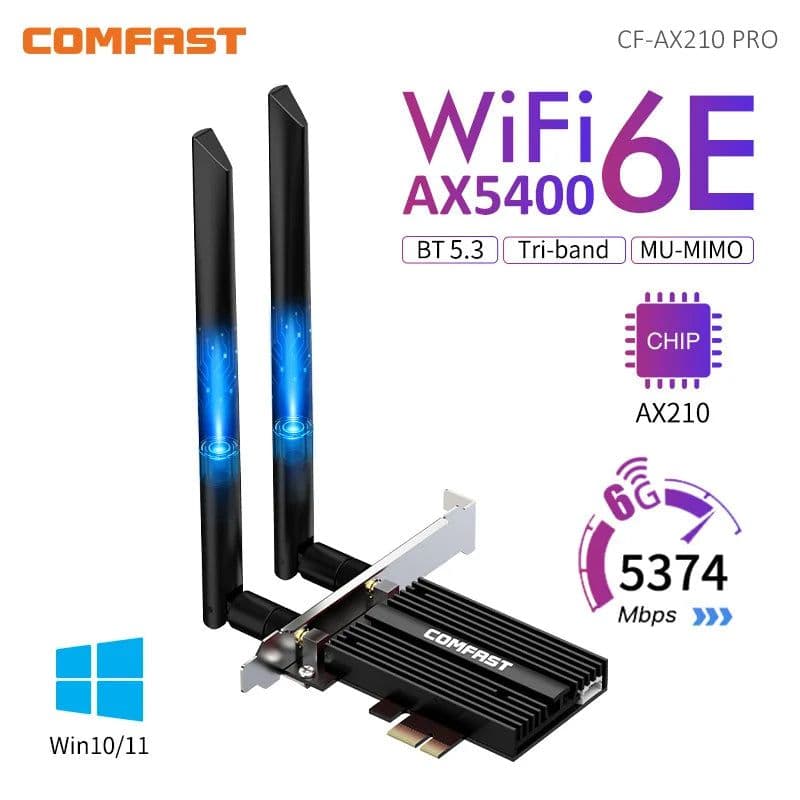

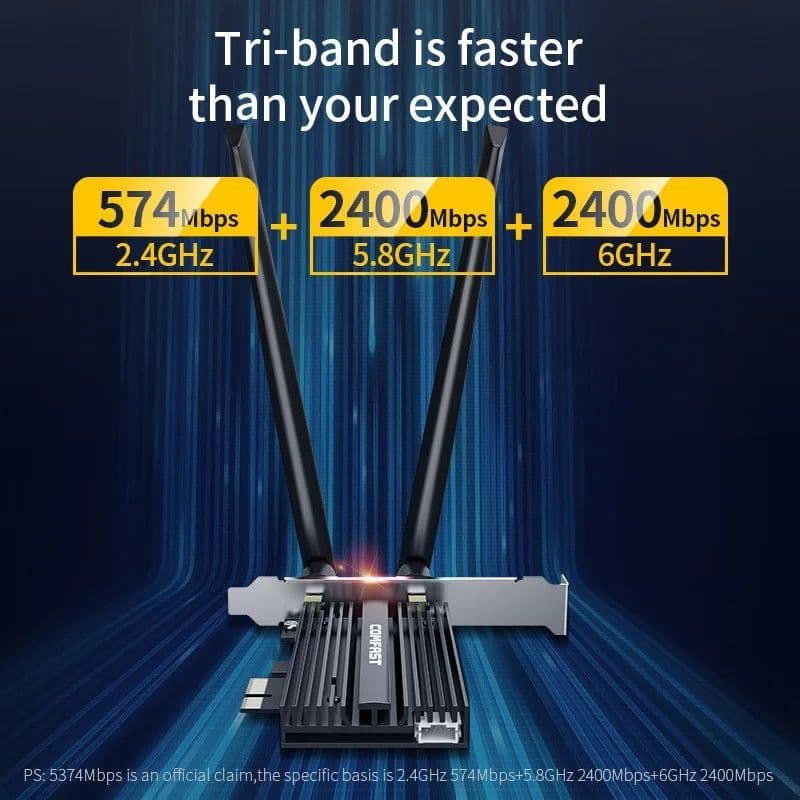
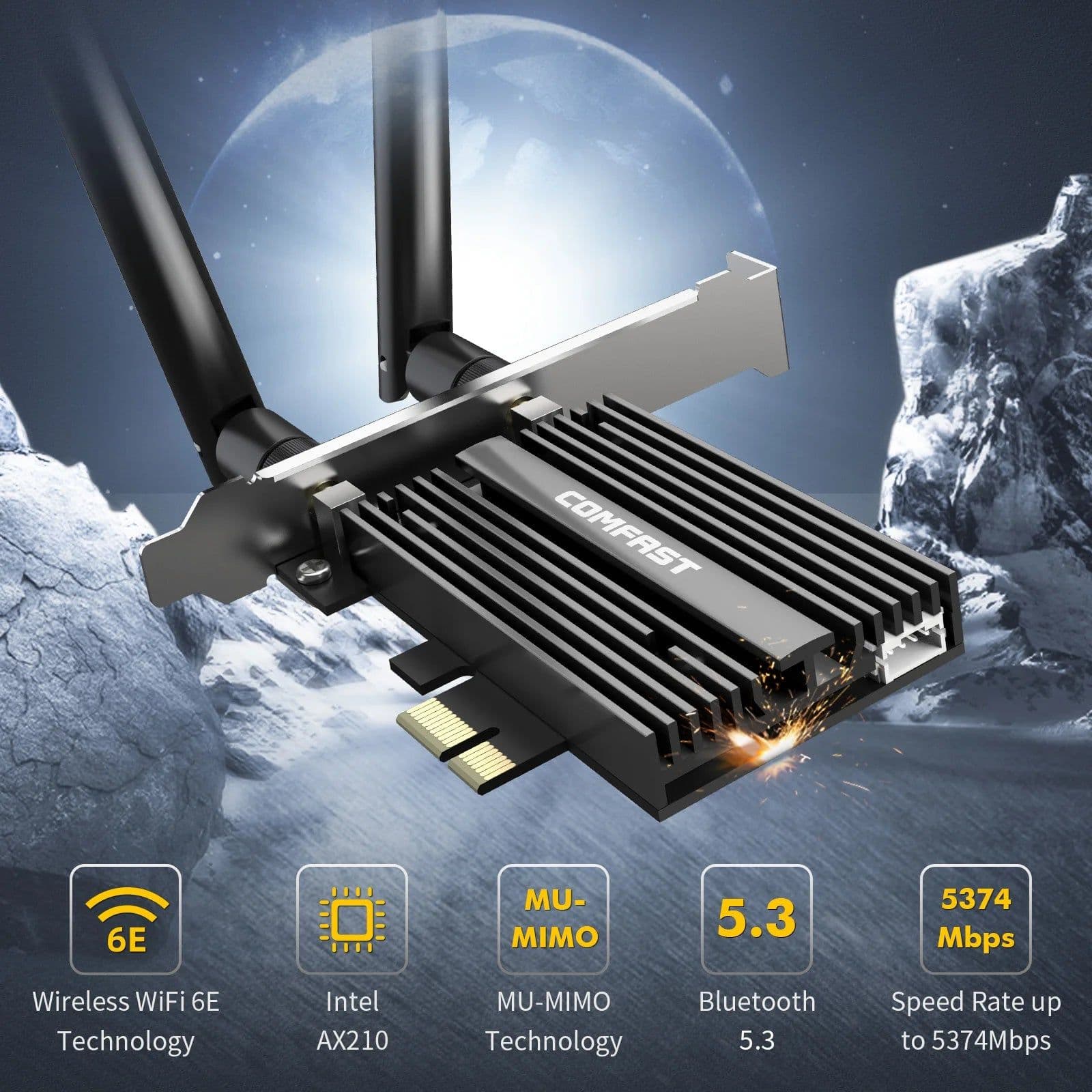
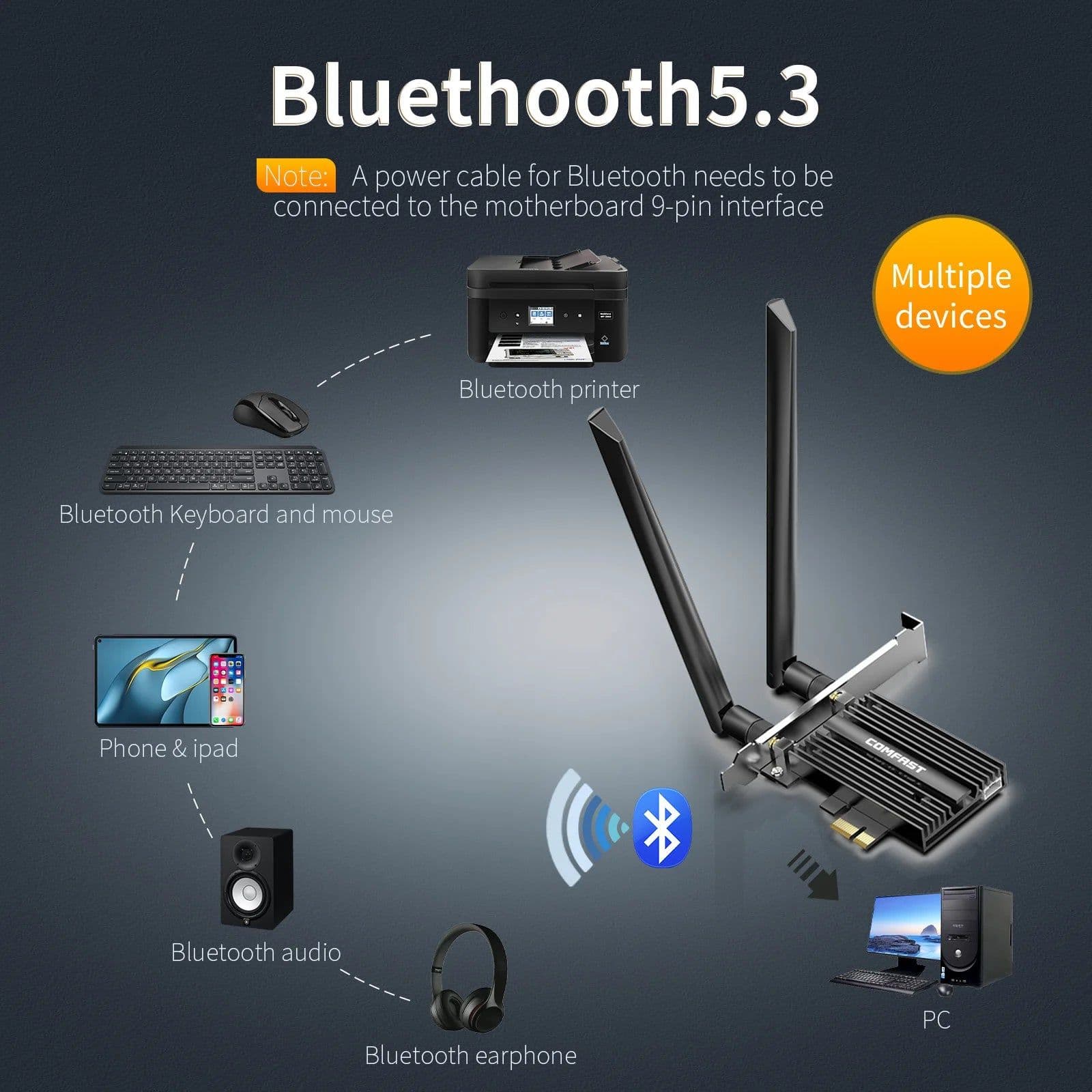
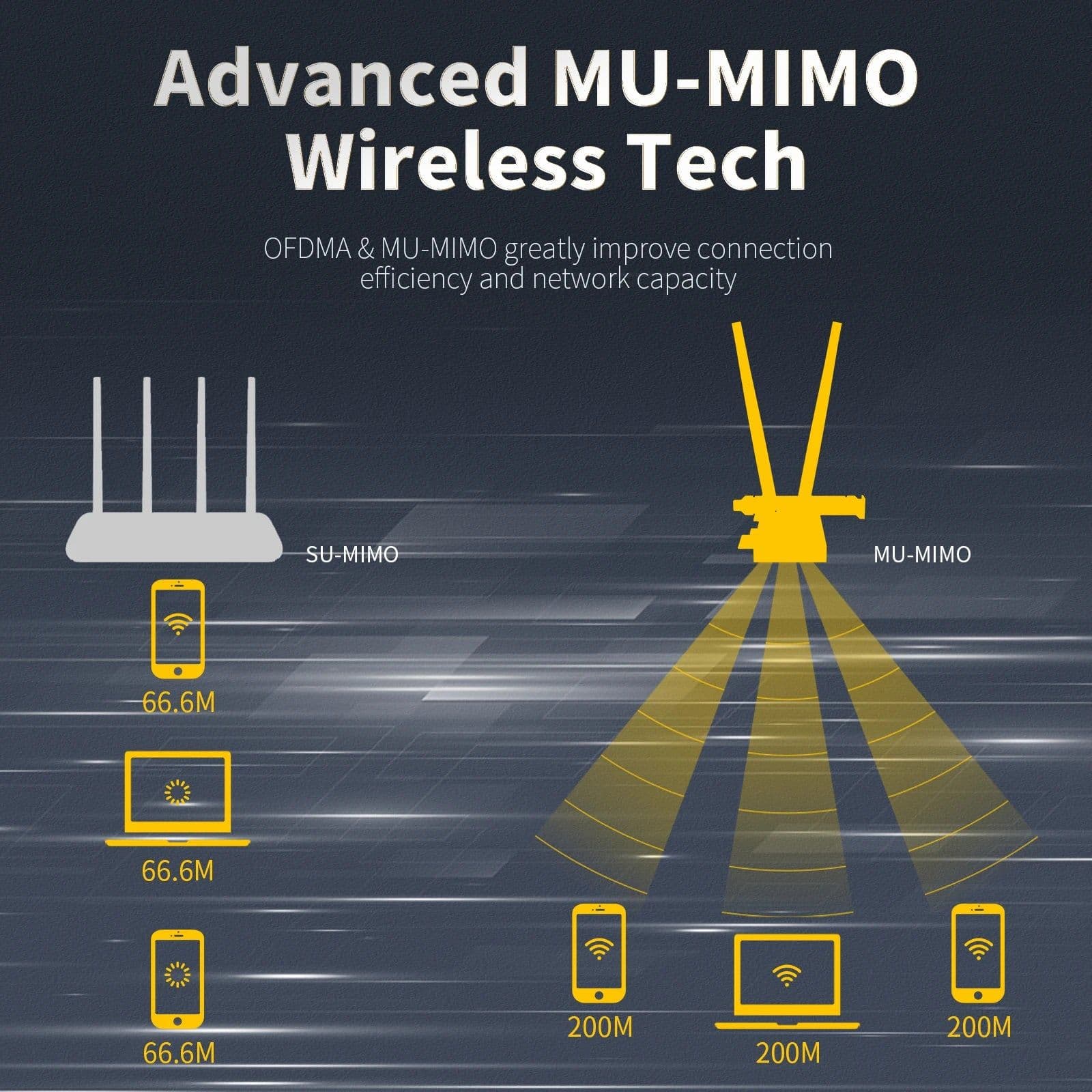

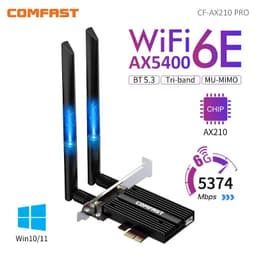





SPECIFICATIONSBrand Name: comfastTransmission Rate: 10/100/1000MbpsType: WireLessKind: InternalOrigin: Mainland ChinaInterface Type: PCI ExpressWi-Fi Supported Frequency: 2.4G & 5GWireless Protocol: 802.11nWireless Protocol: 802.11ax(802.11ax)Wireless Protocol: 802.11a/gWireless Protocol: 802.11acAdapter Socket: PCI-EApplicable Network Type: Gigabit EthernetLan Transmission Rate: 1000M EthernetApplication: DesktopPackage: YesCertification: CETransmission Speed: 1200 MbpsModel Number: CF-AX210 ProBluetooth Version: Bluetooth 5.3Chip: Intel WiFi 6E AX210Transmission Rate 6G: 2400MbpsTransmission Rate 5.8G: 2400MbpsTransmission Rate 2.4G: 574MbpsSupport OS: Win 10/11(only 64bit)AX210-M Wireless Protocol: 802.11ax/ac/a/b/g/nEncryption: WPA2/ WPA3Dimension: 30*22mmProduct Condition: 100% genuine in new conditionSupport 1: OFDMASupport 2: MU-MIMOInterface support: PCIE-16X/PCIE-4X/PCIE-8X/PCIE-1XPC Bluetooth Adapter: PC Bluetooth CardIntel WiFi Card: Intel AX200 WiFi Card5374Mbps WiFi Adapter: 5.0Gbps WiFi AdapterBluetooth 5.3 Adapter: Bluetooth 5.3 DongleChoice: yessemi_Choice: yesCOMFAST 5374Mbps WiFi6E Intel AX210 PCIe Wireless Network Card 2.4G/5G/6GHz WiFi 6e Adapter 802.11ax/ac Bluetooth 5.3 For PC Win11/10Specifiction1. WiFi6E Intel AX210 Chip2. Support 2.4GHz & 5GHz & 6GHz Three frequency band3. 5374Mbps High Speed: 2.4GHz(574Mbps)+5.8GHz(2400Mbps)+6GHz(2400Mbps)4. External 2*5dBi Antennas5. WPA3 More Secure and Protect Privavy6. With Newest Bluetooth 5.3 technology7. Support MU-MIMO, OFDMA8. Support IEEE 802.11a/b/g/n/ac/ax Wireless standard9. Compatible with Win11/ Win10 64bits system10. Compatible with PCI-E X1/ X4/ X8/ X16, Graphics slot, PCI is not supportedWiFi6E Tri-band 5374Mbps/ BT 5.3 PCI-E Network CardUpgraded new generation with higher speedIntel AX210 Chipset; WiFi 6E Wireless Standard; 5374Mbps Transmission Rate; Bluetooth 5.2 Technology ; Support 6GHz; WPA3 Encryption; Support OFDMA; Support MU-MIMO; Energy savingTri-band is faster than your expectedPS: 5374Mbps is an official claim, the specific basis is 2.4GHz 574Mbps+5.8GHz 2400Mbps+6GH.2400MbpsUpgrade BT5.2 to match your high-end headphonesUpgrade to BT 5.2, with longer transmission distance and stronger transmission stability. Support Bluetooth earphone, Bluetooth audio, Bluetooth gamepad, Bluetooth printer, Mobile phone, lpad, Bluetooth keyboard, Bluetooth mouse, etcStrong antenna means strong signalStrengthen heat dissipation, lock in low temperatureWPA3 much safer, privacy protectionAnti-virus; Anti-hijacking; Anti-hacking; Anti-scratch networkUniversal PCI-E interface PCI-E X1/X4/X8/X16, PCI socket is not availableSupport Windows 11/10 64bit SystemPacking ListPacking ListWiFi adapter, screw, manual user, BT cableFAQQ1: Does it work on AMD chipset motherboard?A: Yes, support work on AMD, if not, please contact Customer Service for help. Q2: Does it support Linux system?A: Sorry, dear. currently we only provide Win 10 and Win 11 driver, no Linux service. Q3: Does it support WiFi and Bluetooth function?A: Yes, both support. But please pay attention to that the drivers for WiFi and Bluetooth are separate and you need to install two drivers.Q4: The bluetooth doesn't work, what should I do?A: Please connect the USB 9-pin cable (black) included in the package to the USB 9-pin interface on the motherboard. The white end connects to the pcie network card adapter socket. Then install the bluetooth driver.Q5: The WiFi doesn't work, what should I do?A: ① Check whether the device wifi is recognized by the computer in the device manager. If there is a network controller with a yellow exclamation mark, please install the wifi driver. If the driver is already installed, a yellow warning will still be displayed. Please right-click, click Update, and select the driver file path to manually update.② Check whether there is an M.2 hard disk on the motherboard, which may cause a hardware function conflict. The M.2 hardware in the parallel channel needs to be unplugged. Check that the antenna connection is secure.* For some AMD motherboard computers, you may need to enter the BIOS to set some options of pcie. Set the PCIe speed to Gen3 (Auto, Gen 1, Gen 2, and Gen 3).* If your desktop computer has built-in wifi function, please turn off the built-in wifi when using it on the desktop computer.Q6: How can I get the driver?A: You can download the driver from our COMFAST official website. Or please contact Customer Service to provide. Download link:http://en.comfast.com.cn/index.php?m=content&c=index&a=show&catid=30&id=435Q7: The motherboard has built-in wifi, but wifi 5 is a bit slow, can I buy this adapter for upgrade?A: If your PC has an open PCI-E slot, you can use it to upgrade. But when installing this adapter, you have to disable the built-in card.Q8: The WiFi speed cannot reach 2400Mbps on 6GHz/5GHz? Unrecognized or wifi speed slow down after using for a while?A: ① The Maximum wireless signal rates are the physical rates derived from IEEE Standard 802.11 specifications. Actual wireless data throughput and wireless coverage, and the number of connected devices is not guaranteed and will vary as a result of network conditions, AP limitations, and environmental factors, including building materials, obstacles, volume and density of traffic, and AP location.② You can try different things by changing different pcie slots (pcie×16 available).* Please note that 6GHz Wi-Fi is only available for Win 11 or upgrading to Win 10 Dev version; Speed up to 5GHz/6GHz-2400Mbps; (The router must support 802.11ax,160MHz)
Description
SPECIFICATIONSBrand Name: comfastTransmission Rate: 10/100/1000MbpsType: WireLessKind: InternalOrigin: Mainland ChinaInterface Type: PCI ExpressWi-Fi Supported Frequency: 2.4G & 5GWireless Protocol: 802.11nWireless Protocol: 802.11ax(802.11ax)Wireless Protocol: 802.11a/gWireless Protocol: 802.11acAdapter Socket: PCI-EApplicable Network Type: Gigabit EthernetLan Transmission Rate: 1000M EthernetApplication: DesktopPackage: YesCertification: CETransmission Speed: 1200 MbpsModel Number: CF-AX210 ProBluetooth Version: Bluetooth 5.3Chip: Intel WiFi 6E AX210Transmission Rate 6G: 2400MbpsTransmission Rate 5.8G: 2400MbpsTransmission Rate 2.4G: 574MbpsSupport OS: Win 10/11(only 64bit)AX210-M Wireless Protocol: 802.11ax/ac/a/b/g/nEncryption: WPA2/ WPA3Dimension: 30*22mmProduct Condition: 100% genuine in new conditionSupport 1: OFDMASupport 2: MU-MIMOInterface support: PCIE-16X/PCIE-4X/PCIE-8X/PCIE-1XPC Bluetooth Adapter: PC Bluetooth CardIntel WiFi Card: Intel AX200 WiFi Card5374Mbps WiFi Adapter: 5.0Gbps WiFi AdapterBluetooth 5.3 Adapter: Bluetooth 5.3 DongleChoice: yessemi_Choice: yesCOMFAST 5374Mbps WiFi6E Intel AX210 PCIe Wireless Network Card 2.4G/5G/6GHz WiFi 6e Adapter 802.11ax/ac Bluetooth 5.3 For PC Win11/10Specifiction1. WiFi6E Intel AX210 Chip2. Support 2.4GHz & 5GHz & 6GHz Three frequency band3. 5374Mbps High Speed: 2.4GHz(574Mbps)+5.8GHz(2400Mbps)+6GHz(2400Mbps)4. External 2*5dBi Antennas5. WPA3 More Secure and Protect Privavy6. With Newest Bluetooth 5.3 technology7. Support MU-MIMO, OFDMA8. Support IEEE 802.11a/b/g/n/ac/ax Wireless standard9. Compatible with Win11/ Win10 64bits system10. Compatible with PCI-E X1/ X4/ X8/ X16, Graphics slot, PCI is not supportedWiFi6E Tri-band 5374Mbps/ BT 5.3 PCI-E Network CardUpgraded new generation with higher speedIntel AX210 Chipset; WiFi 6E Wireless Standard; 5374Mbps Transmission Rate; Bluetooth 5.2 Technology ; Support 6GHz; WPA3 Encryption; Support OFDMA; Support MU-MIMO; Energy savingTri-band is faster than your expectedPS: 5374Mbps is an official claim, the specific basis is 2.4GHz 574Mbps+5.8GHz 2400Mbps+6GH.2400MbpsUpgrade BT5.2 to match your high-end headphonesUpgrade to BT 5.2, with longer transmission distance and stronger transmission stability. Support Bluetooth earphone, Bluetooth audio, Bluetooth gamepad, Bluetooth printer, Mobile phone, lpad, Bluetooth keyboard, Bluetooth mouse, etcStrong antenna means strong signalStrengthen heat dissipation, lock in low temperatureWPA3 much safer, privacy protectionAnti-virus; Anti-hijacking; Anti-hacking; Anti-scratch networkUniversal PCI-E interface PCI-E X1/X4/X8/X16, PCI socket is not availableSupport Windows 11/10 64bit SystemPacking ListPacking ListWiFi adapter, screw, manual user, BT cableFAQQ1: Does it work on AMD chipset motherboard?A: Yes, support work on AMD, if not, please contact Customer Service for help. Q2: Does it support Linux system?A: Sorry, dear. currently we only provide Win 10 and Win 11 driver, no Linux service. Q3: Does it support WiFi and Bluetooth function?A: Yes, both support. But please pay attention to that the drivers for WiFi and Bluetooth are separate and you need to install two drivers.Q4: The bluetooth doesn't work, what should I do?A: Please connect the USB 9-pin cable (black) included in the package to the USB 9-pin interface on the motherboard. The white end connects to the pcie network card adapter socket. Then install the bluetooth driver.Q5: The WiFi doesn't work, what should I do?A: ① Check whether the device wifi is recognized by the computer in the device manager. If there is a network controller with a yellow exclamation mark, please install the wifi driver. If the driver is already installed, a yellow warning will still be displayed. Please right-click, click Update, and select the driver file path to manually update.② Check whether there is an M.2 hard disk on the motherboard, which may cause a hardware function conflict. The M.2 hardware in the parallel channel needs to be unplugged. Check that the antenna connection is secure.* For some AMD motherboard computers, you may need to enter the BIOS to set some options of pcie. Set the PCIe speed to Gen3 (Auto, Gen 1, Gen 2, and Gen 3).* If your desktop computer has built-in wifi function, please turn off the built-in wifi when using it on the desktop computer.Q6: How can I get the driver?A: You can download the driver from our COMFAST official website. Or please contact Customer Service to provide. Download link:http://en.comfast.com.cn/index.php?m=content&c=index&a=show&catid=30&id=435Q7: The motherboard has built-in wifi, but wifi 5 is a bit slow, can I buy this adapter for upgrade?A: If your PC has an open PCI-E slot, you can use it to upgrade. But when installing this adapter, you have to disable the built-in card.Q8: The WiFi speed cannot reach 2400Mbps on 6GHz/5GHz? Unrecognized or wifi speed slow down after using for a while?A: ① The Maximum wireless signal rates are the physical rates derived from IEEE Standard 802.11 specifications. Actual wireless data throughput and wireless coverage, and the number of connected devices is not guaranteed and will vary as a result of network conditions, AP limitations, and environmental factors, including building materials, obstacles, volume and density of traffic, and AP location.② You can try different things by changing different pcie slots (pcie×16 available).* Please note that 6GHz Wi-Fi is only available for Win 11 or upgrading to Win 10 Dev version; Speed up to 5GHz/6GHz-2400Mbps; (The router must support 802.11ax,160MHz)