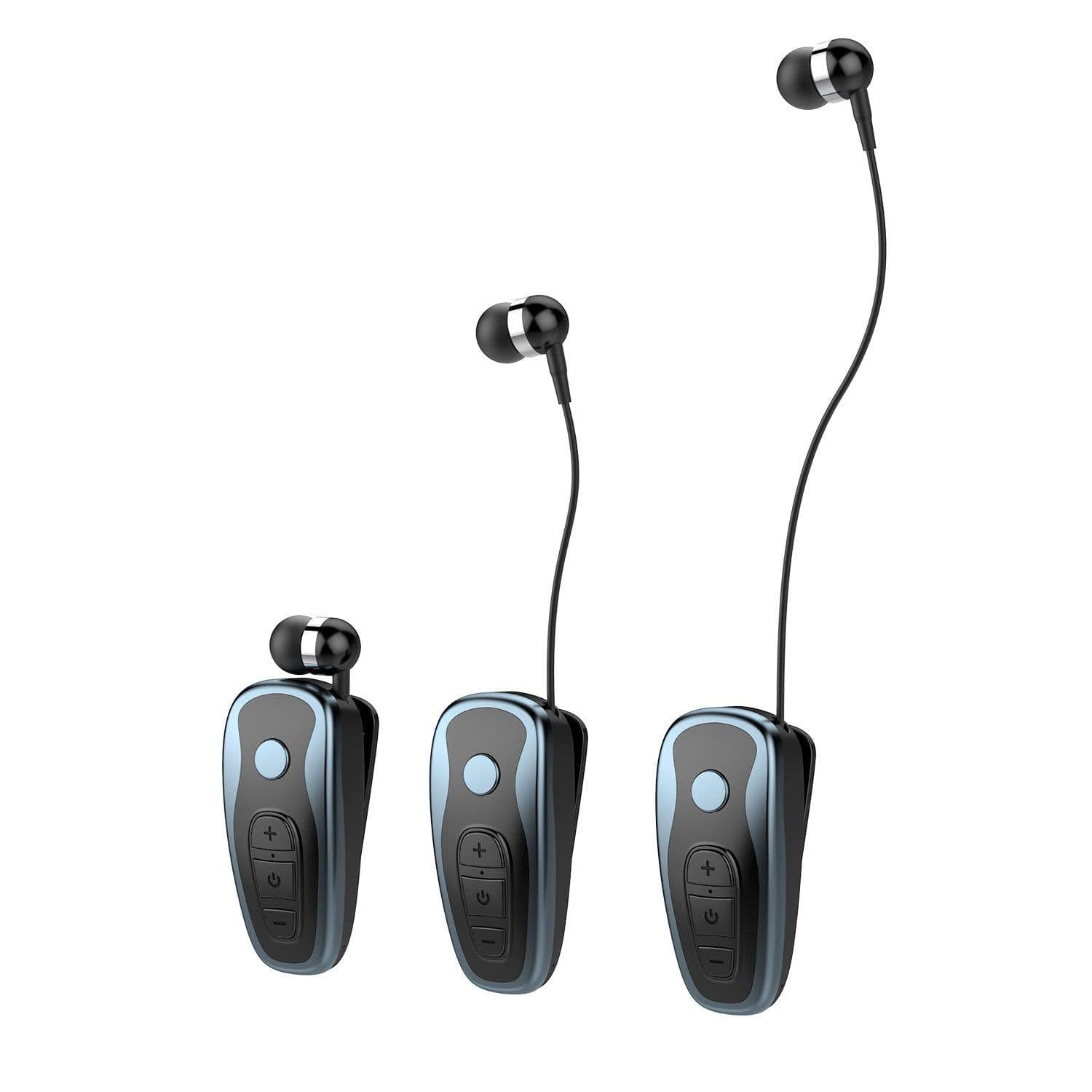
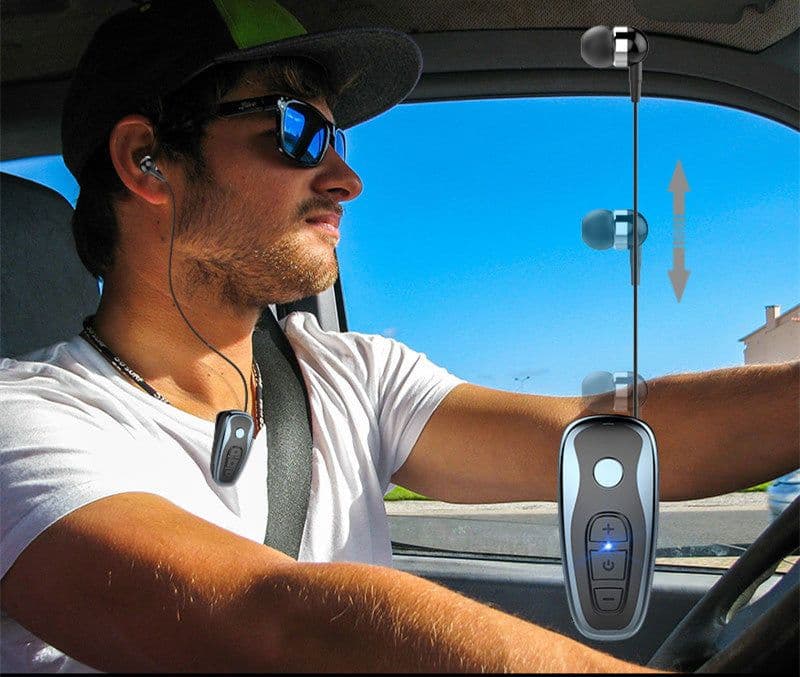
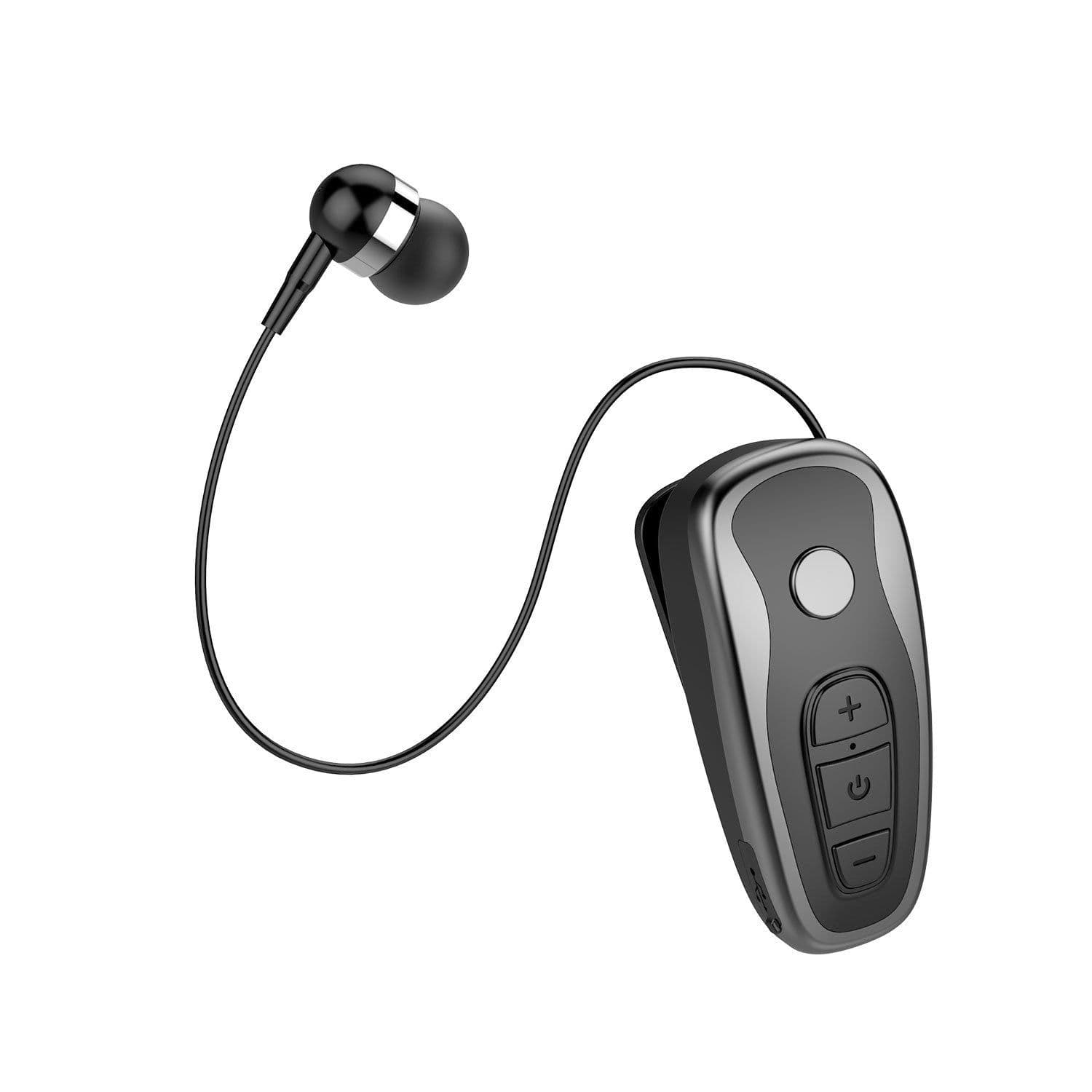
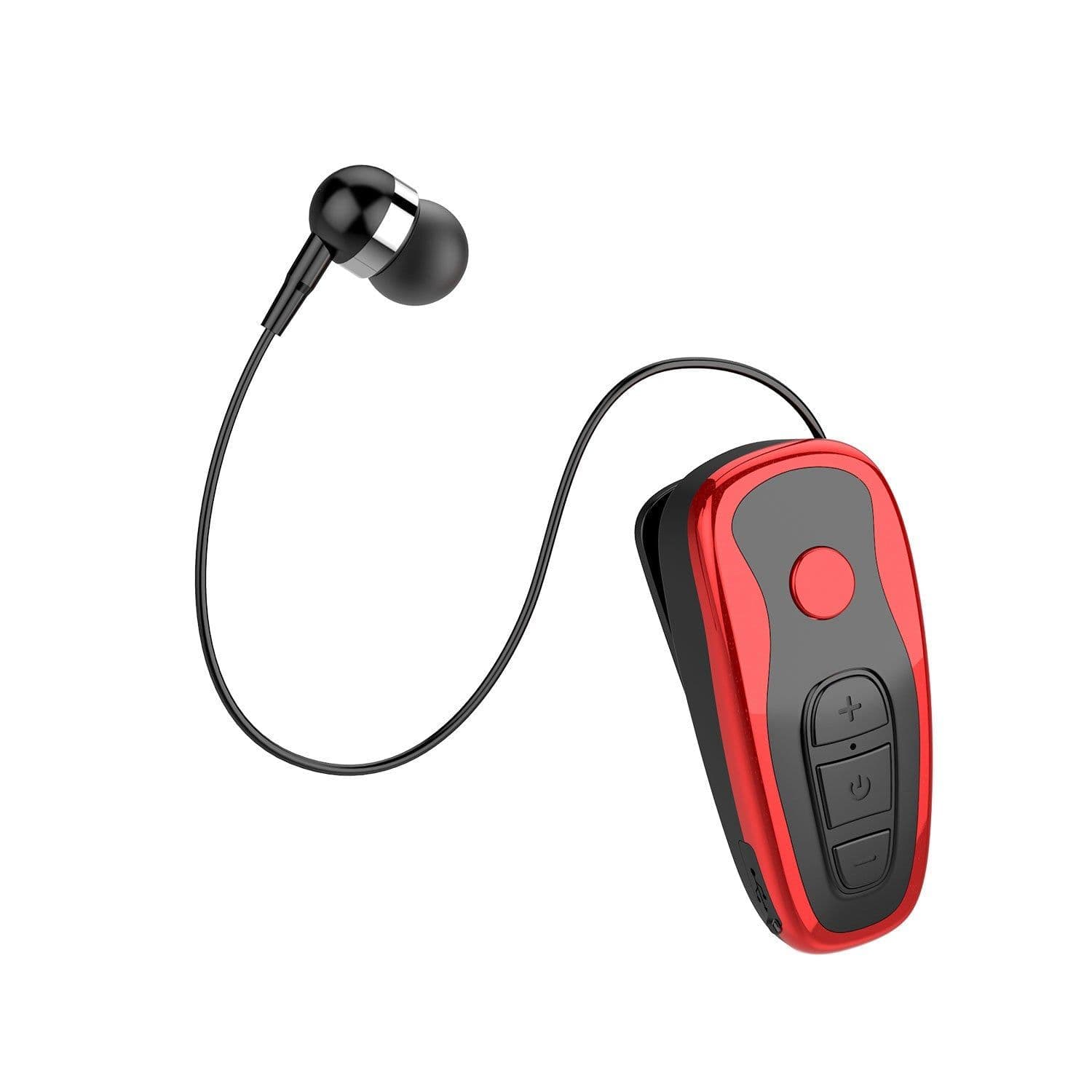
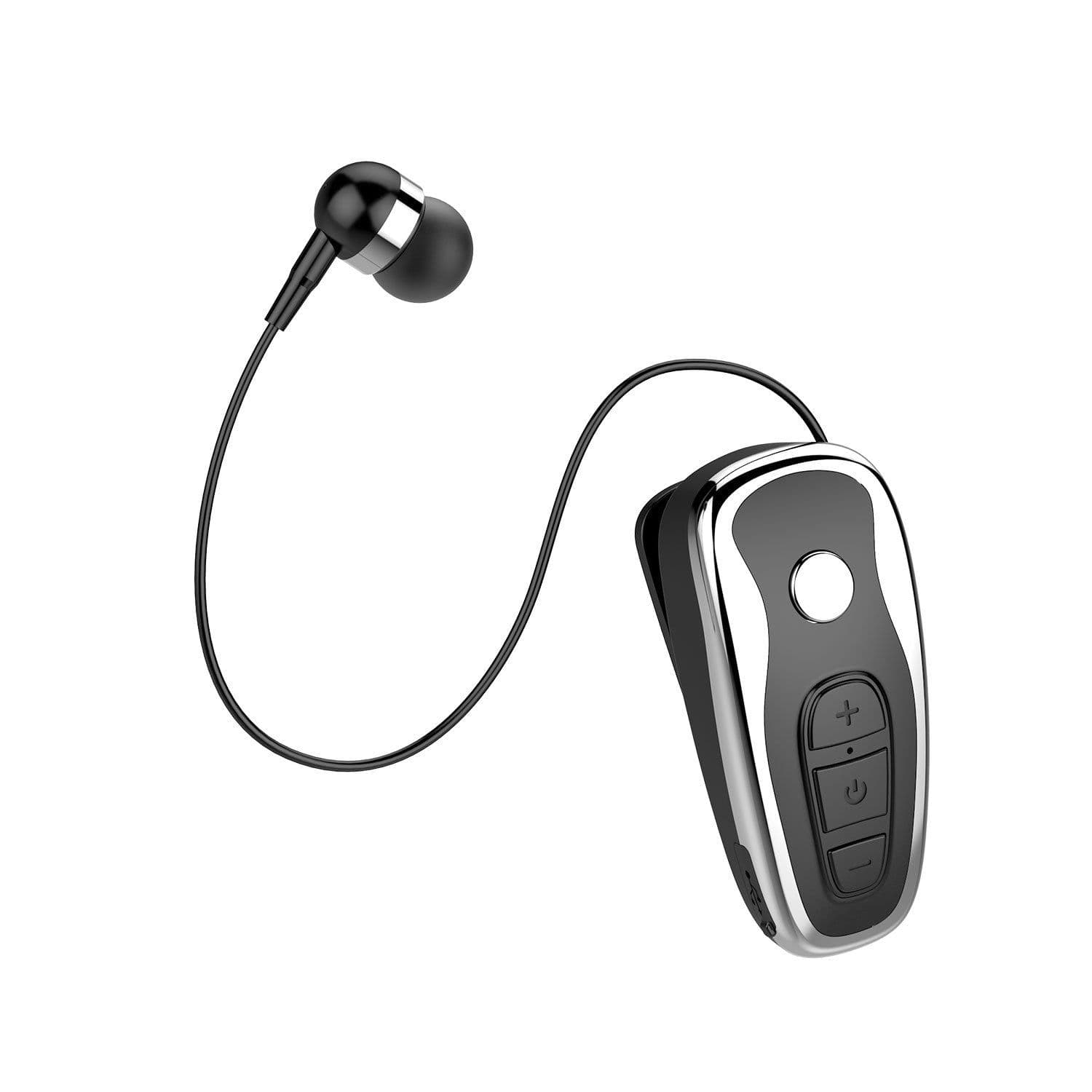
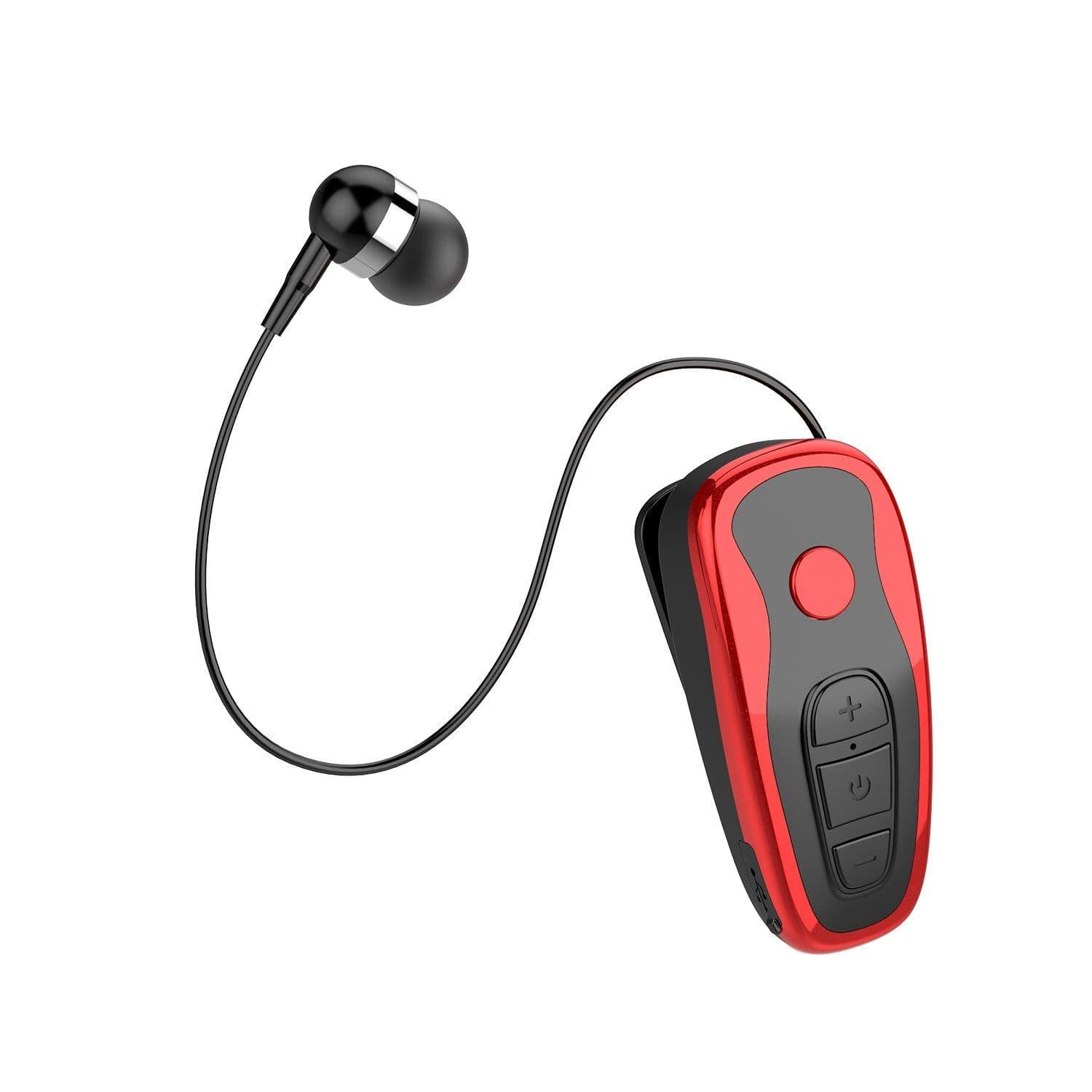
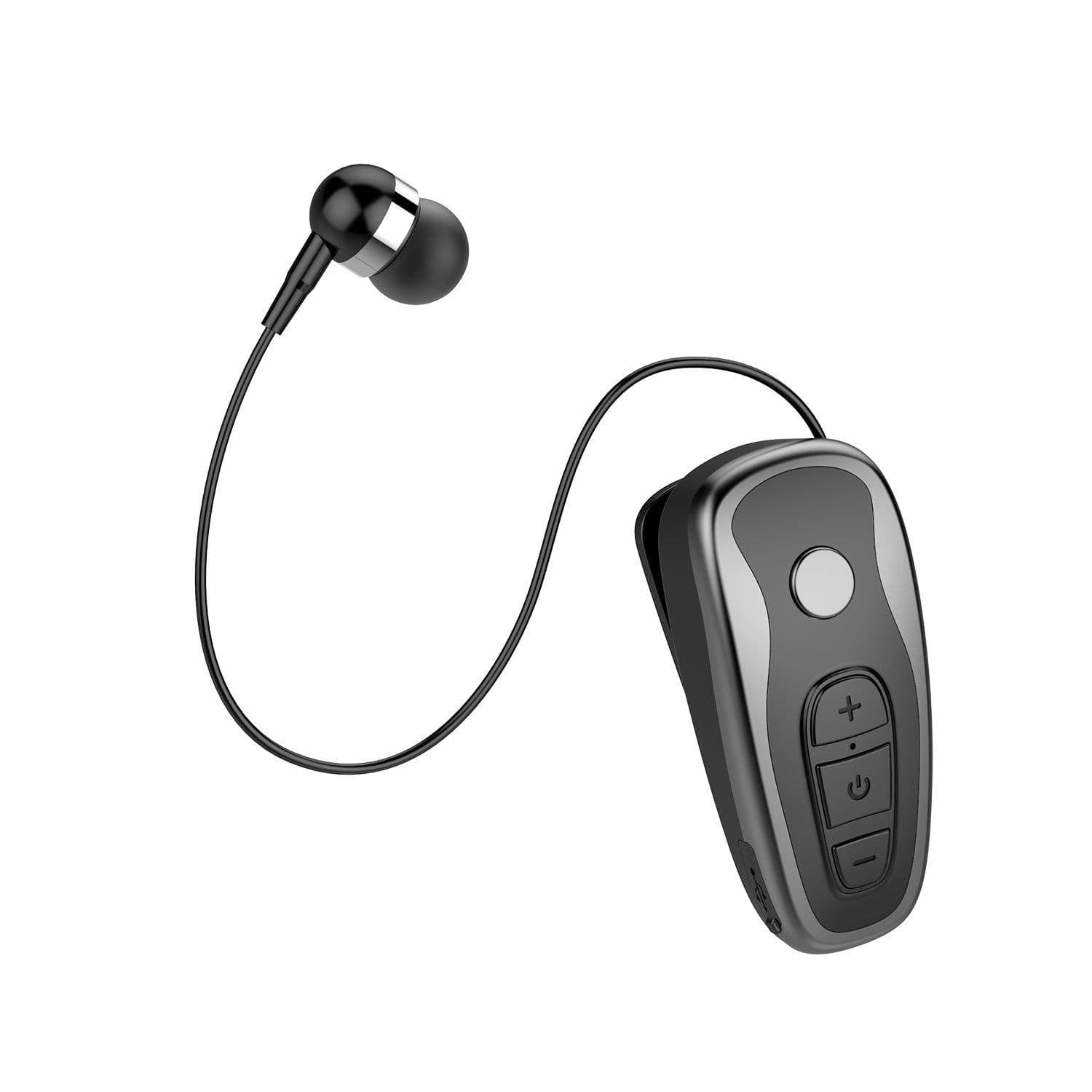
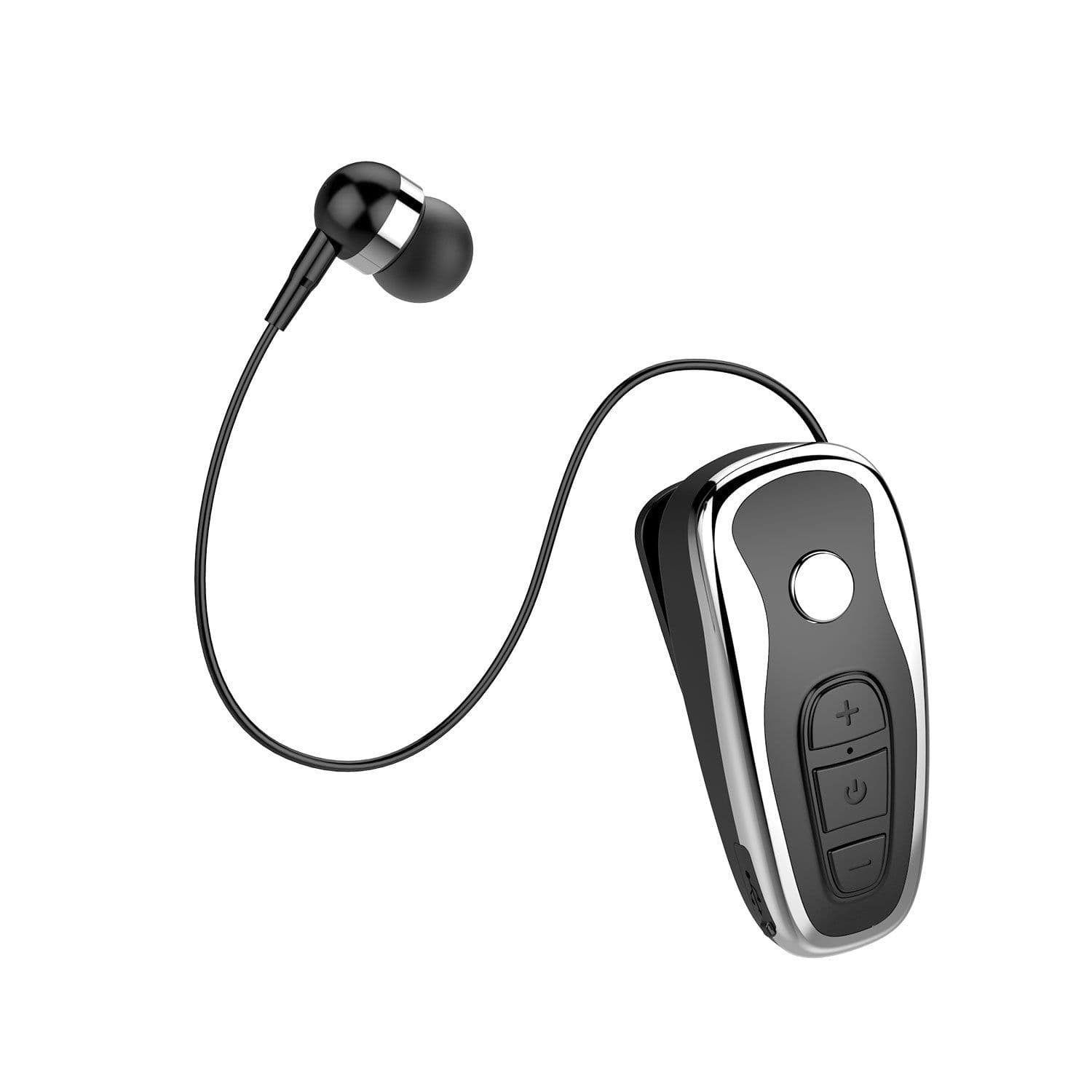
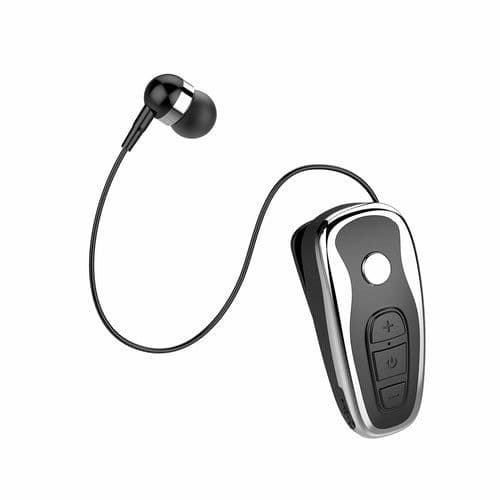
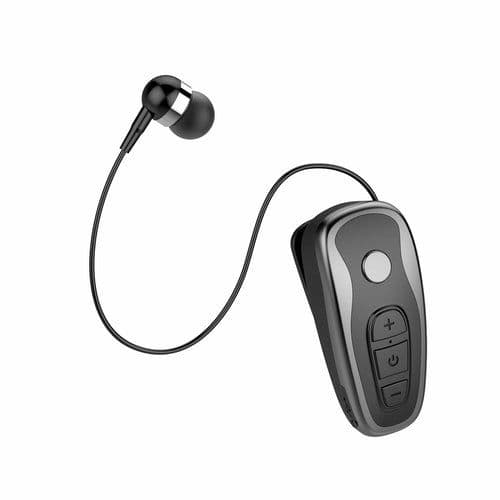
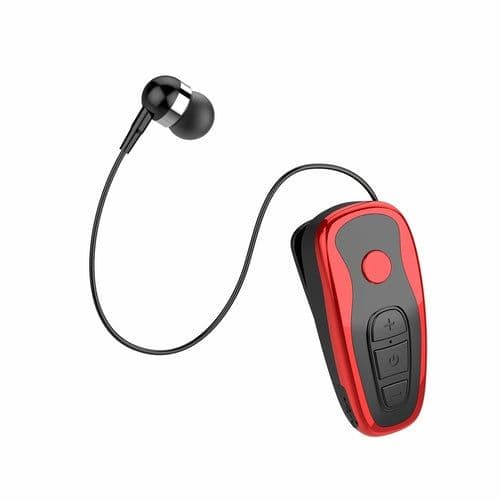
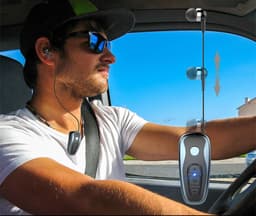
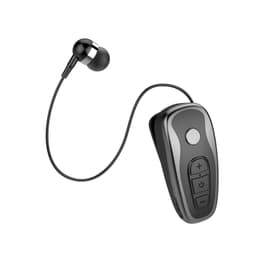
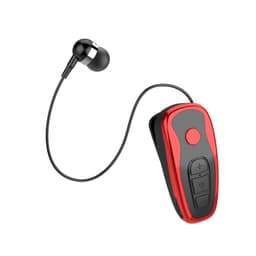
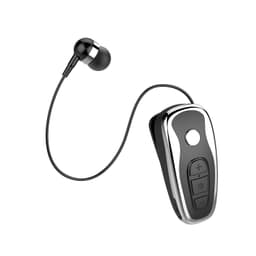
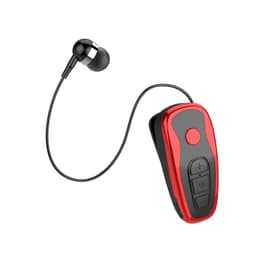
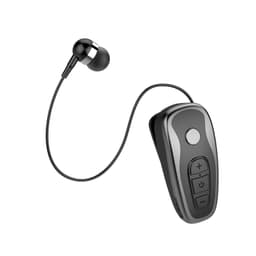
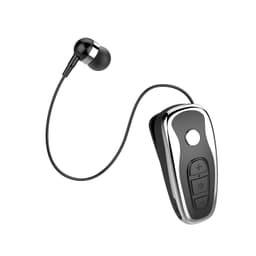
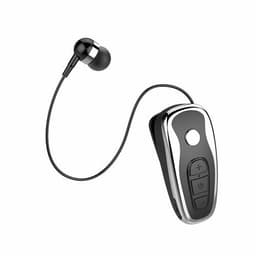
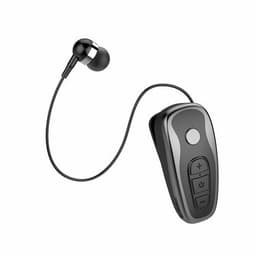
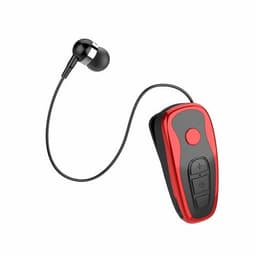
Product information:Transmission range: 10 metersFunction: battery display, call function, voice control, support music, multi-point connectionBluetooth protocol: 5.0Channel: StereoHow to use: LavalierWhether single or double ears: unilateral hands-freeCharging batteries:The battery must be fully charged before the first use1. Connect the charger wire to the charging socket on the earphone.2. Plug the charger into the power socket.3. The indicator lights red when charging, and the red light goes out when fully charged.4. Separate the charger from the headset and the power socket.5. Or slide the headset into the charging dock, the indicator light will turn red, and the red light will go out when it is fully charged.6. Remove the headset from the charging stand.Switch machine ON/OFF1. Power on: Press and hold the start/end call button for about 5 seconds until it flashes blue. At the same time, the headset prompts that Bluetooth is turned on2. Power off: Press and hold the start/end call button for about 6 seconds until it flashes red. At the same time, the headset prompts that Bluetooth is turned off Bluetooth parameters:Bluetooth version: V4.1+EDR compatibleBluetooth chip: CSRWireless frequency: 2.4GHz-2.48GHzTransmission power: Class 2Working voltage: 3.6VWorking current: ≤25mATransmission distance: 10mCharging time: 1H-2HTalk time: about 4HStandby time: about 150HHeadphone function:1. One for two2. Start-up vibration, shutdown vibration3. Caller ID, call vibration4. Listen to musicPacking list:Bluetooth headset*1
Description
Product information:Transmission range: 10 metersFunction: battery display, call function, voice control, support music, multi-point connectionBluetooth protocol: 5.0Channel: StereoHow to use: LavalierWhether single or double ears: unilateral hands-freeCharging batteries:The battery must be fully charged before the first use1. Connect the charger wire to the charging socket on the earphone.2. Plug the charger into the power socket.3. The indicator lights red when charging, and the red light goes out when fully charged.4. Separate the charger from the headset and the power socket.5. Or slide the headset into the charging dock, the indicator light will turn red, and the red light will go out when it is fully charged.6. Remove the headset from the charging stand.Switch machine ON/OFF1. Power on: Press and hold the start/end call button for about 5 seconds until it flashes blue. At the same time, the headset prompts that Bluetooth is turned on2. Power off: Press and hold the start/end call button for about 6 seconds until it flashes red. At the same time, the headset prompts that Bluetooth is turned off Bluetooth parameters:Bluetooth version: V4.1+EDR compatibleBluetooth chip: CSRWireless frequency: 2.4GHz-2.48GHzTransmission power: Class 2Working voltage: 3.6VWorking current: ≤25mATransmission distance: 10mCharging time: 1H-2HTalk time: about 4HStandby time: about 150HHeadphone function:1. One for two2. Start-up vibration, shutdown vibration3. Caller ID, call vibration4. Listen to musicPacking list:Bluetooth headset*1