


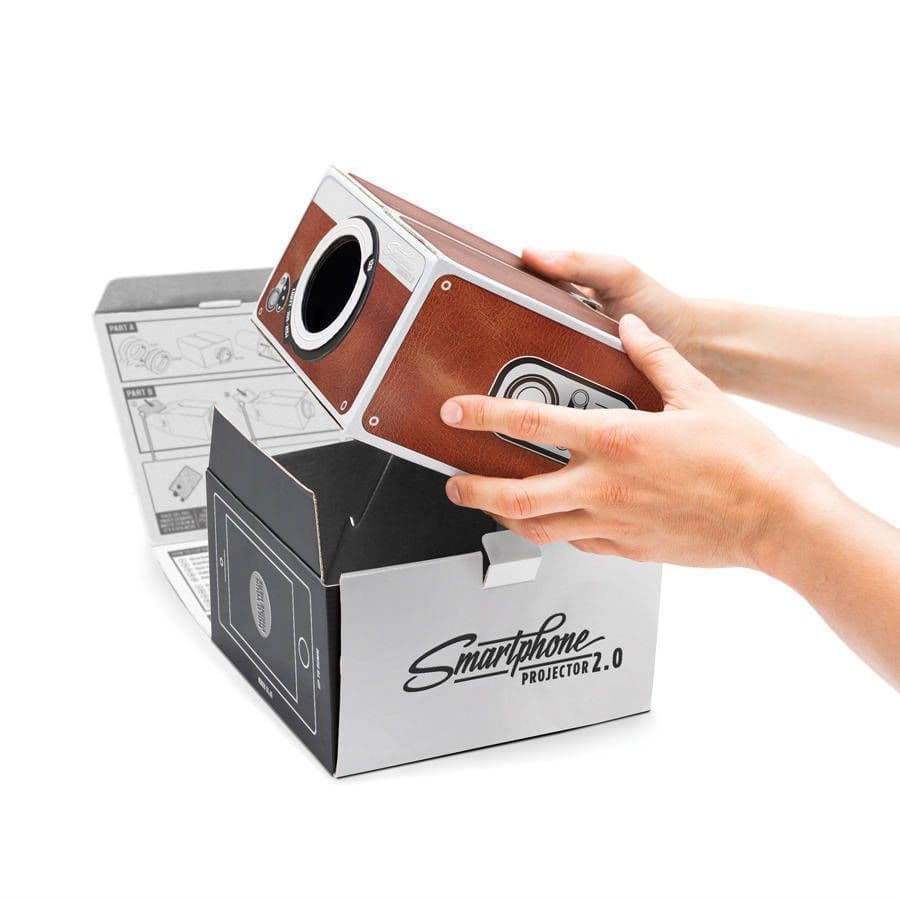
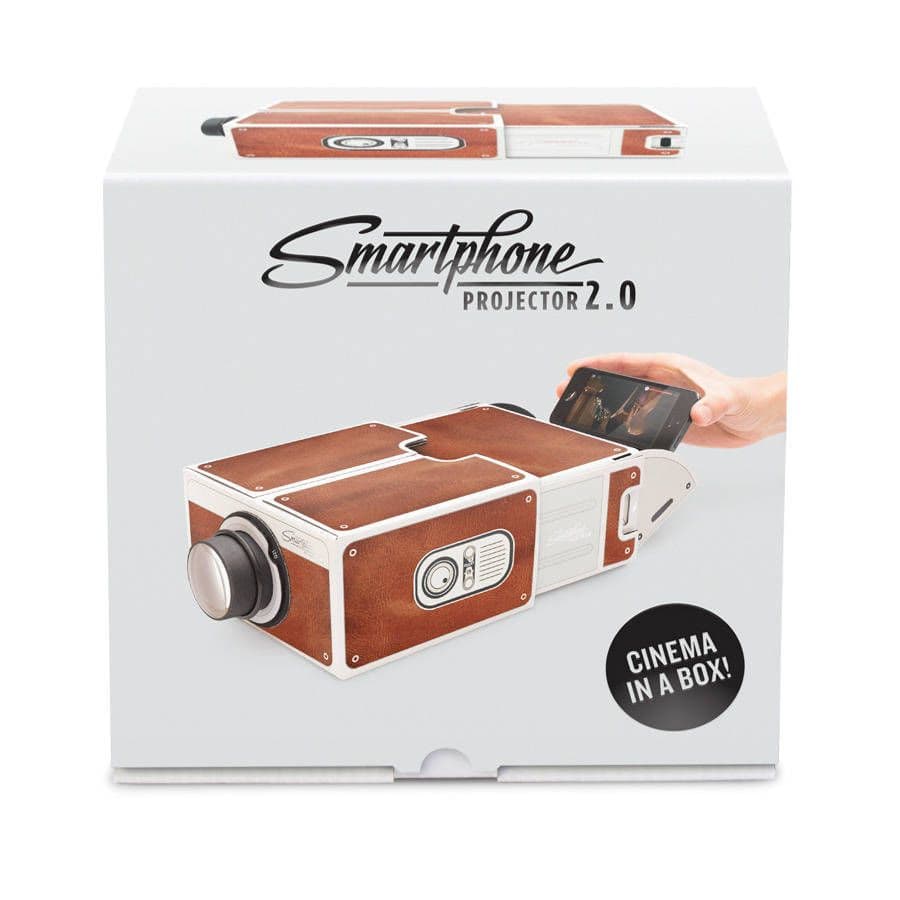
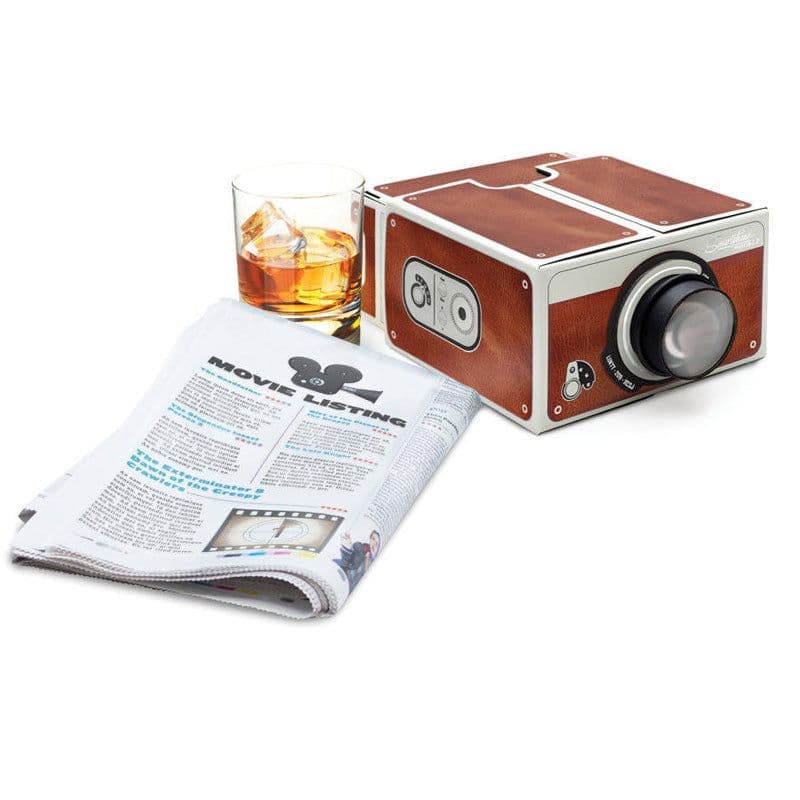
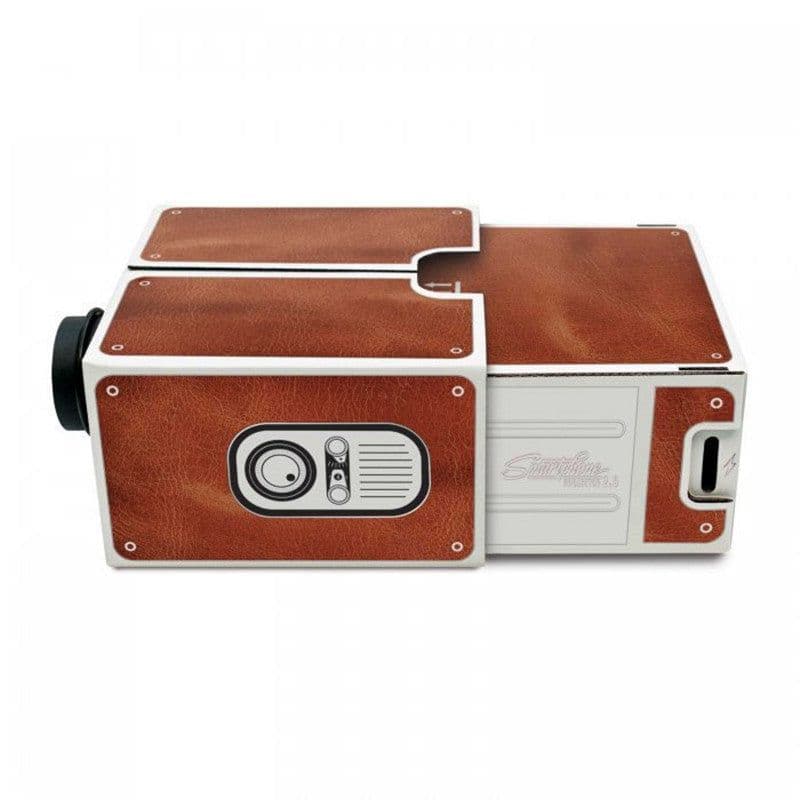
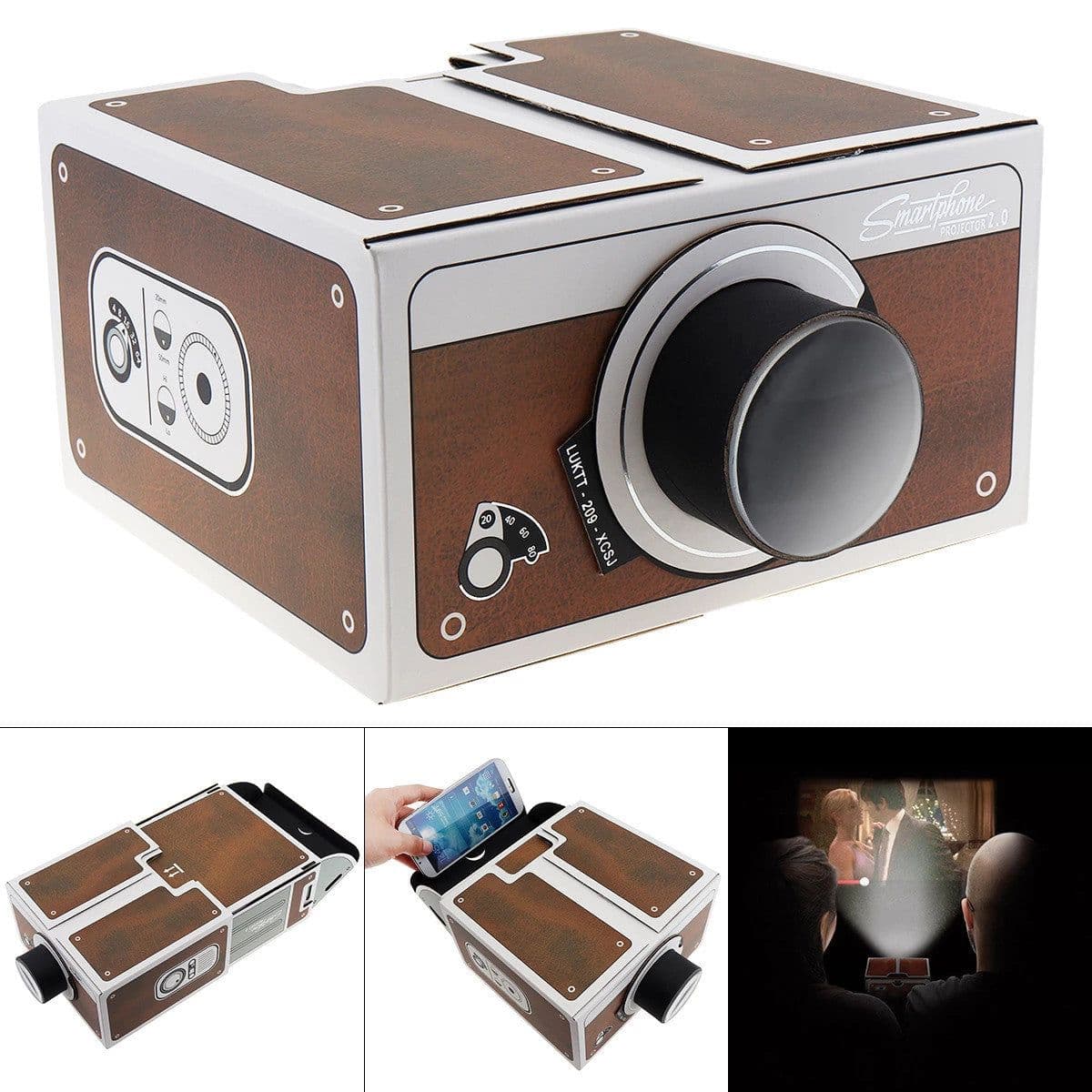
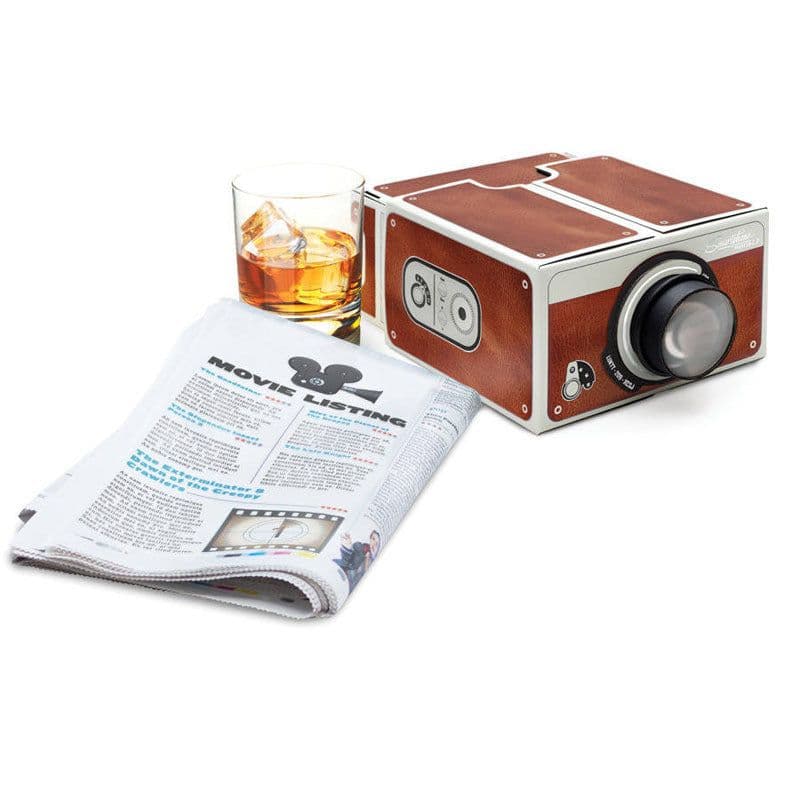
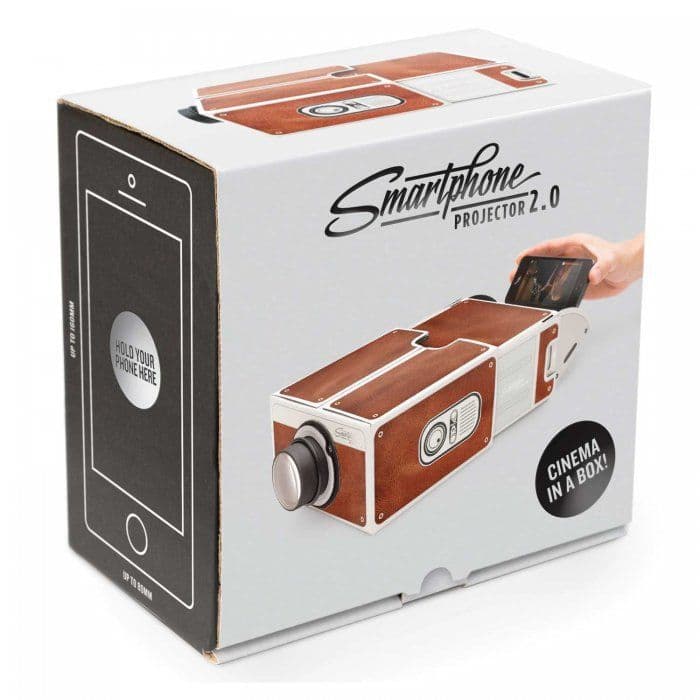
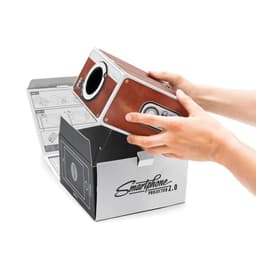
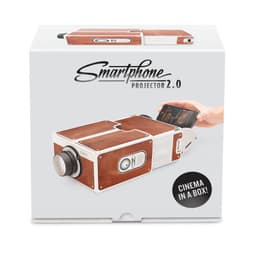
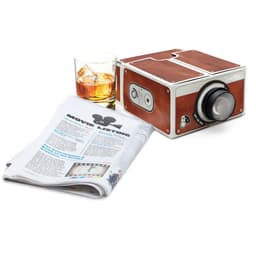
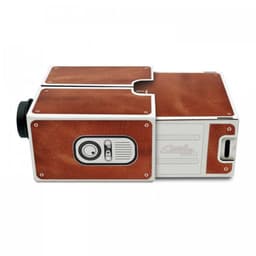
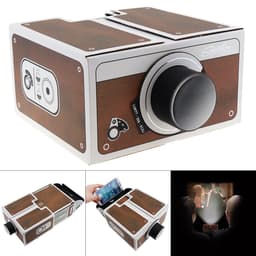
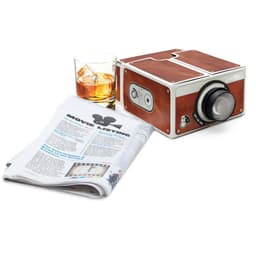
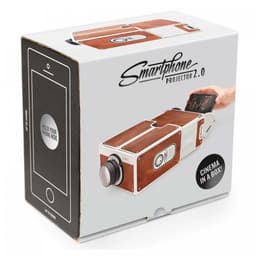
Overview: A phone Projector is a homemade miniature mobile phone Projector. The video/movie you're playing on your phone can be projected onto the wall, like a small home theater. The Phone 2.0 product includes a Projector box, a magnifying lens, and some other accessory assemblies that can be installed easily. Note: 1) This product is first positioned as an entertainment device. It is just a simple projection device toy, and it must not have good effect as a projector worth thousands of dollars. Do not compare, very mind the quality of the picture carefully shot; 2) The projection on the white wall is better. The darker the indoor environment is, the better the effect will be. At first, I will feel the picture is relatively dark, so I have to have a time to get used to it. 3) For videos with subtitles, they cannot be displayed forward, but backward. How to use: Put your iPhone or Android smartphone in it, put it there, and push it in for viewing. According to the magnifying glass principle, the image is inverted, not a quality problem, but can be adjusted according to the situation: 1) if the image upside down, just flip the phone directly; (A) For Android phones, you can download 'Ultimate Rotation Contro' software from 'Google Play' to control the image flip. (b)iPhone, which can be adjusted by 'Settings '--' universal '--' accessibility '--'assistive Touch'-- device -- rotation -- left/right row. Specification: Material: Cardboard Weight:430g Package Size:12*18*19cm Package Content: 1x The projector
Description
Overview: A phone Projector is a homemade miniature mobile phone Projector. The video/movie you're playing on your phone can be projected onto the wall, like a small home theater. The Phone 2.0 product includes a Projector box, a magnifying lens, and some other accessory assemblies that can be installed easily. Note: 1) This product is first positioned as an entertainment device. It is just a simple projection device toy, and it must not have good effect as a projector worth thousands of dollars. Do not compare, very mind the quality of the picture carefully shot; 2) The projection on the white wall is better. The darker the indoor environment is, the better the effect will be. At first, I will feel the picture is relatively dark, so I have to have a time to get used to it. 3) For videos with subtitles, they cannot be displayed forward, but backward. How to use: Put your iPhone or Android smartphone in it, put it there, and push it in for viewing. According to the magnifying glass principle, the image is inverted, not a quality problem, but can be adjusted according to the situation: 1) if the image upside down, just flip the phone directly; (A) For Android phones, you can download 'Ultimate Rotation Contro' software from 'Google Play' to control the image flip. (b)iPhone, which can be adjusted by 'Settings '--' universal '--' accessibility '--'assistive Touch'-- device -- rotation -- left/right row. Specification: Material: Cardboard Weight:430g Package Size:12*18*19cm Package Content: 1x The projector